








🎉
New: Agent Skills for BuilderKit

The Angular UI system your AI agent already knows

BuilderKit restyles Angular Material without changing its APIs, so your AI agent writes correct, beautiful UI on the first try. Components, blocks, and full templates included.

Angular logotypeAngular Material logotypeAngular CDK logotypeAngular Aria logotypeTailwindCSS logotype

Angular Material components, refined

All Angular Material components, rebuilt with a clean and modern design system. Keep the same APIs and behavior, but start with a UI that feels current and consistent.

Composable components for real interfaces

Build complex UI patterns like sidebars, dialogs, and toolbars using flexible, directive-based components. Control structure and behavior directly in your templates without relying on rigid inputs.

Your agent builds on a real design system

Your agent can already scaffold an app. The BuilderKit skill grounds it in a real design system, so what comes out is built from real components and blocks, not improvised markup.
Terminal
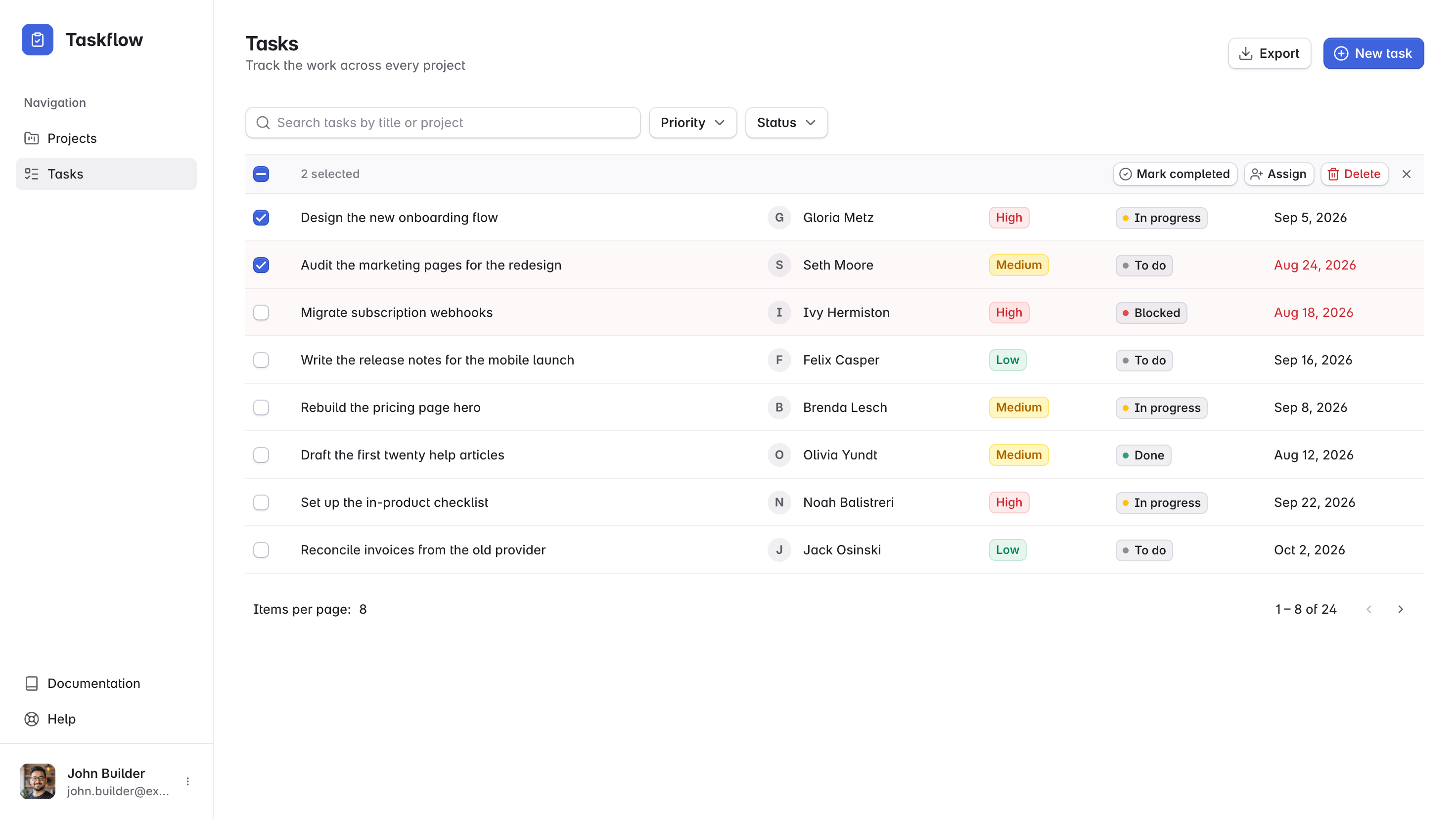
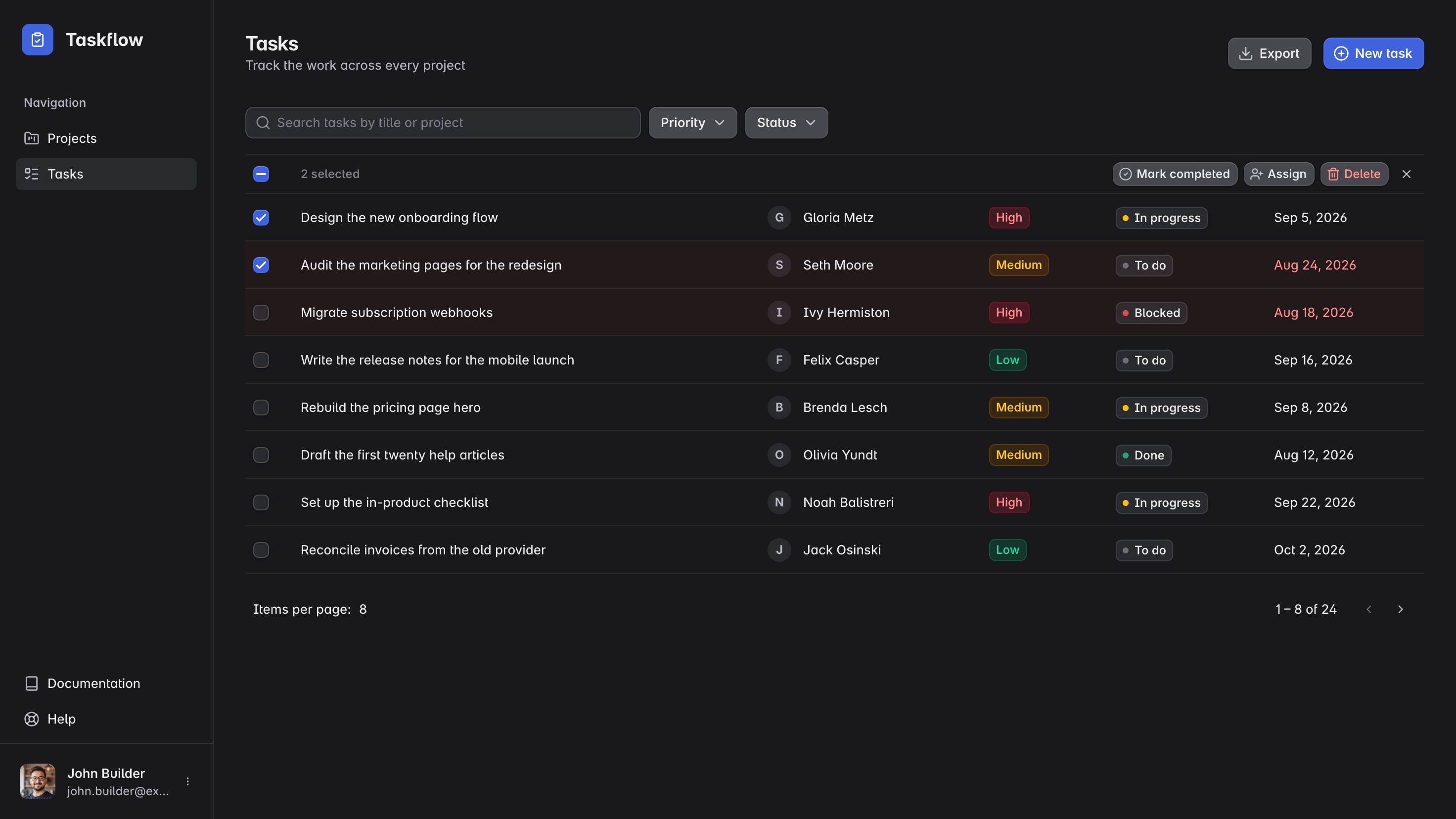
>Create an Angular app with BuilderKit called "Taskflow" for project management.
Read skills/builderkit and scaffolded Taskflow with the tasks page, sidebar and auth wired up.
Taskflow app built by an agent with the BuilderKit skill

Drop-in UI blocks for building interfaces faster

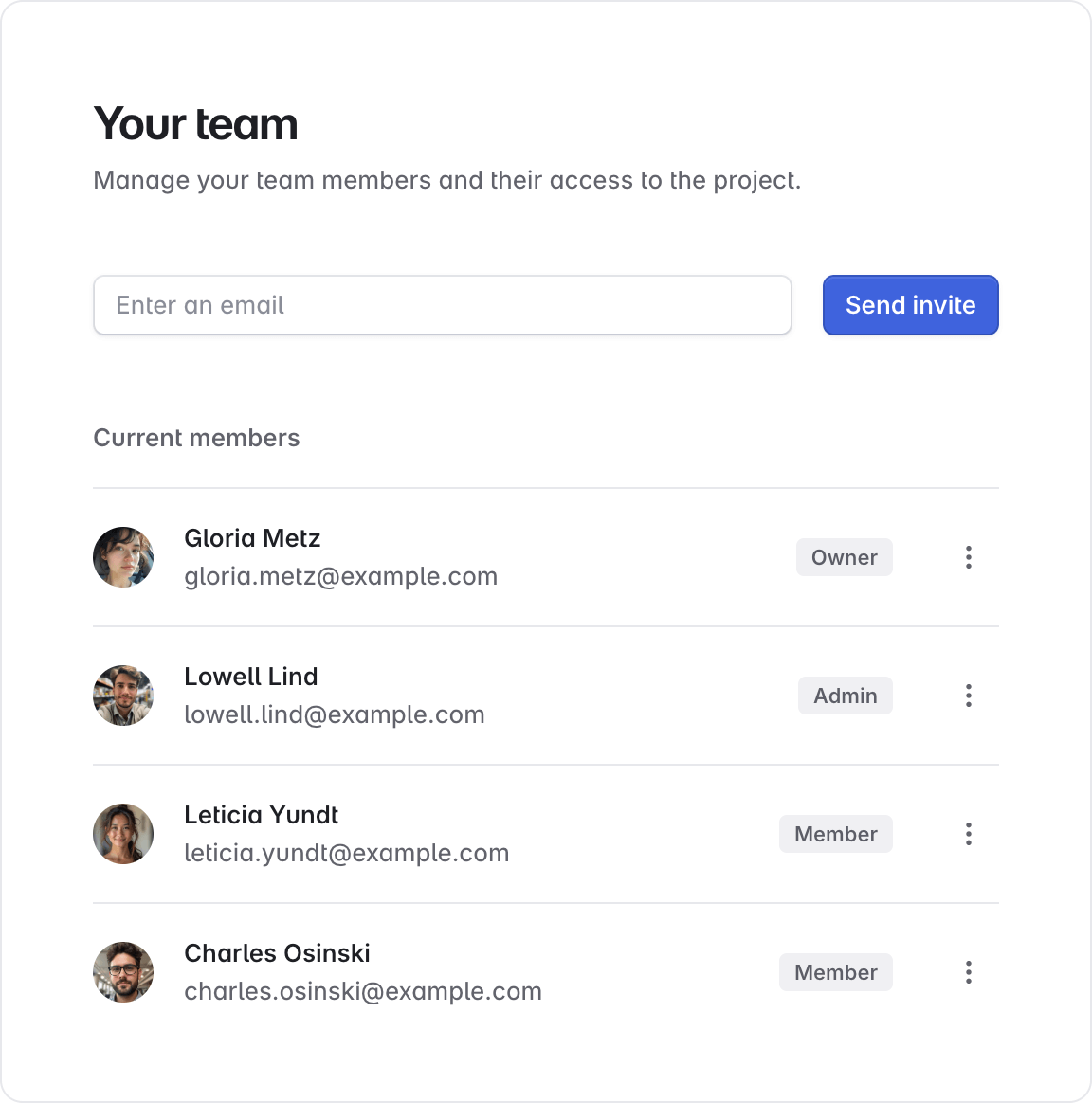
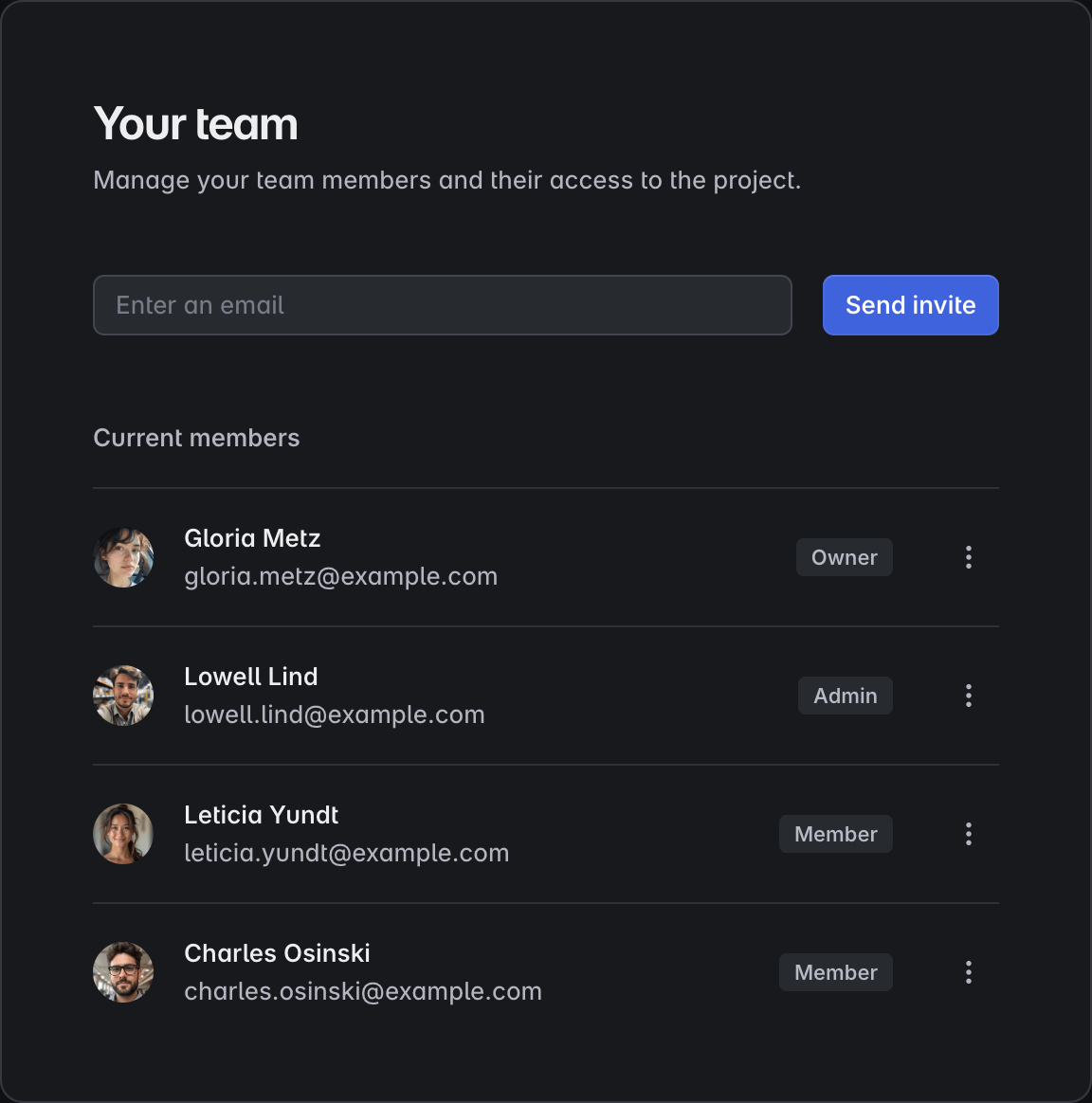
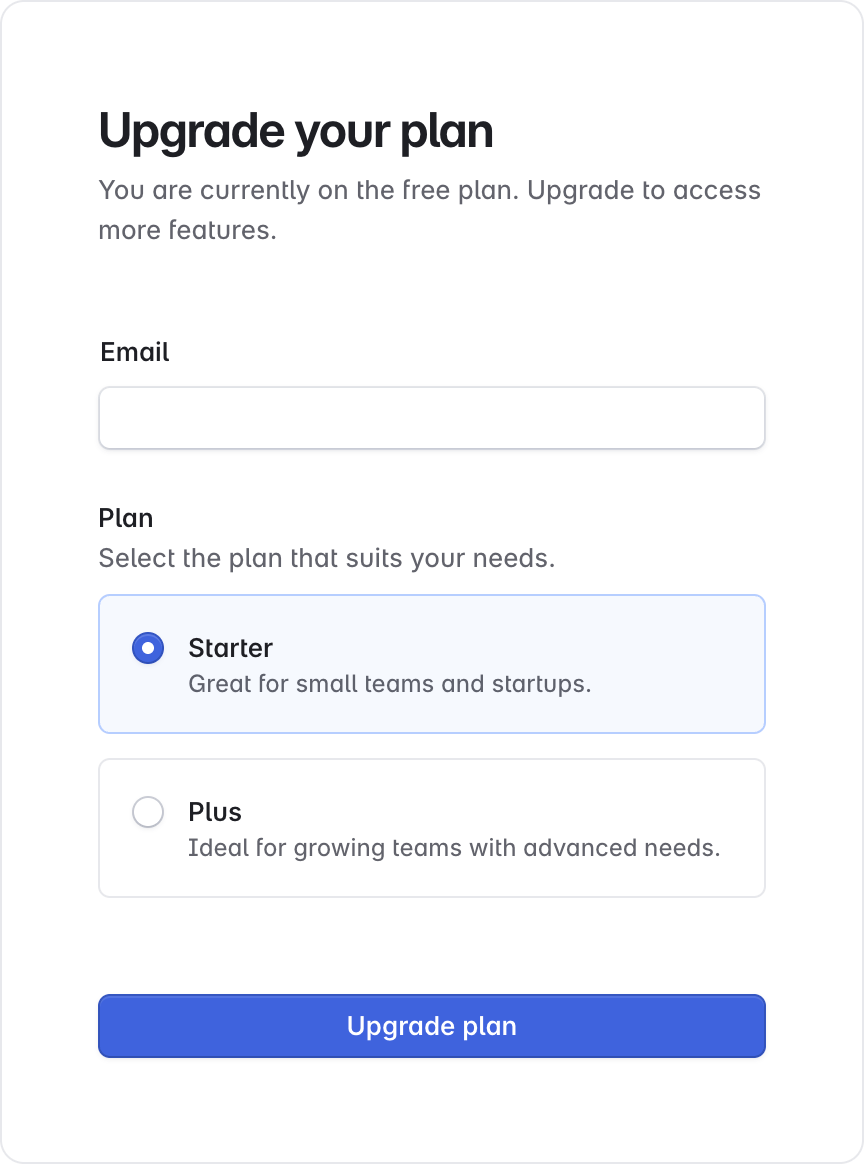
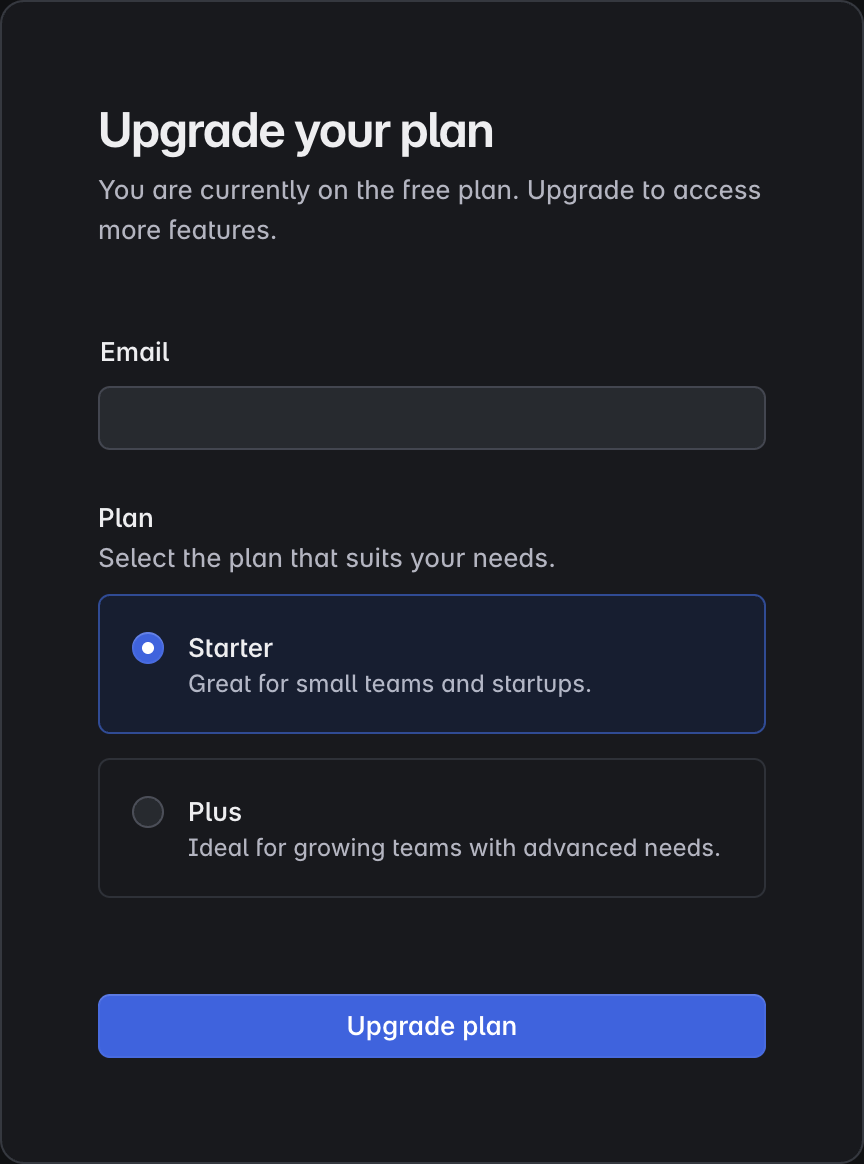
Pre-built sections designed for real application pages, from forms to dashboards and settings screens. Copy, paste, and customize them to move faster without starting from scratch.
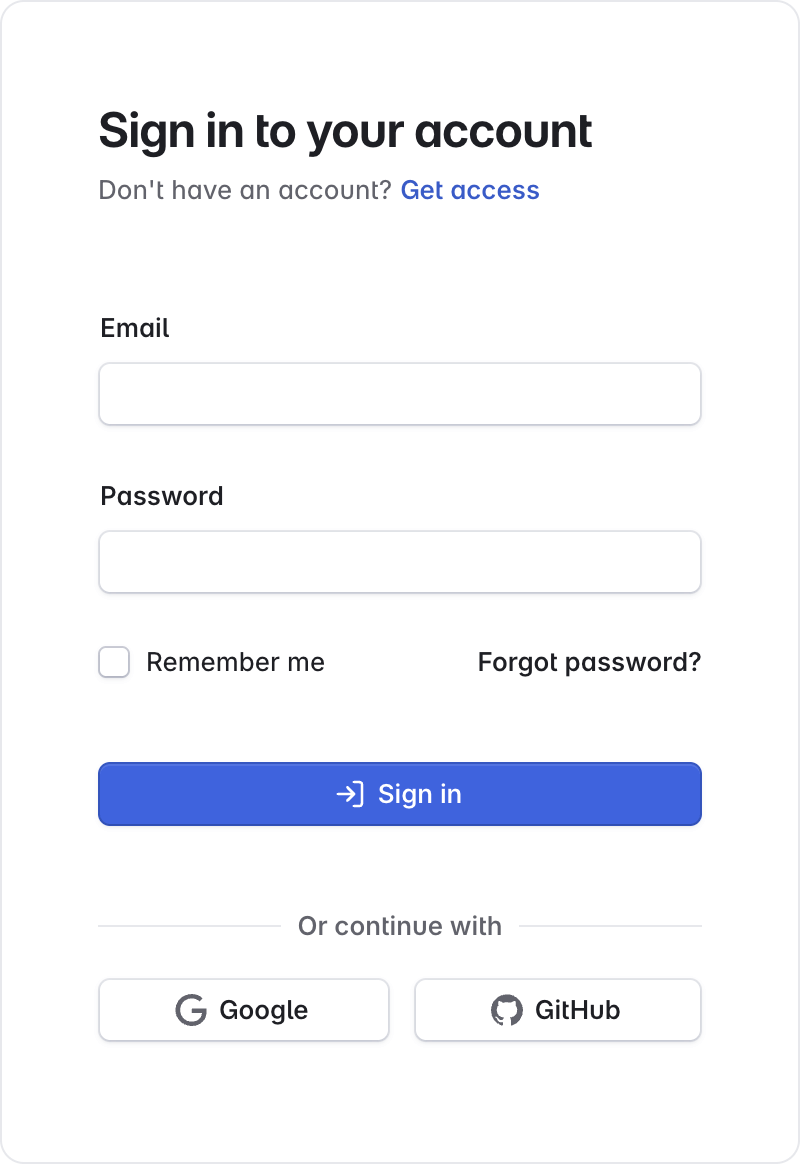
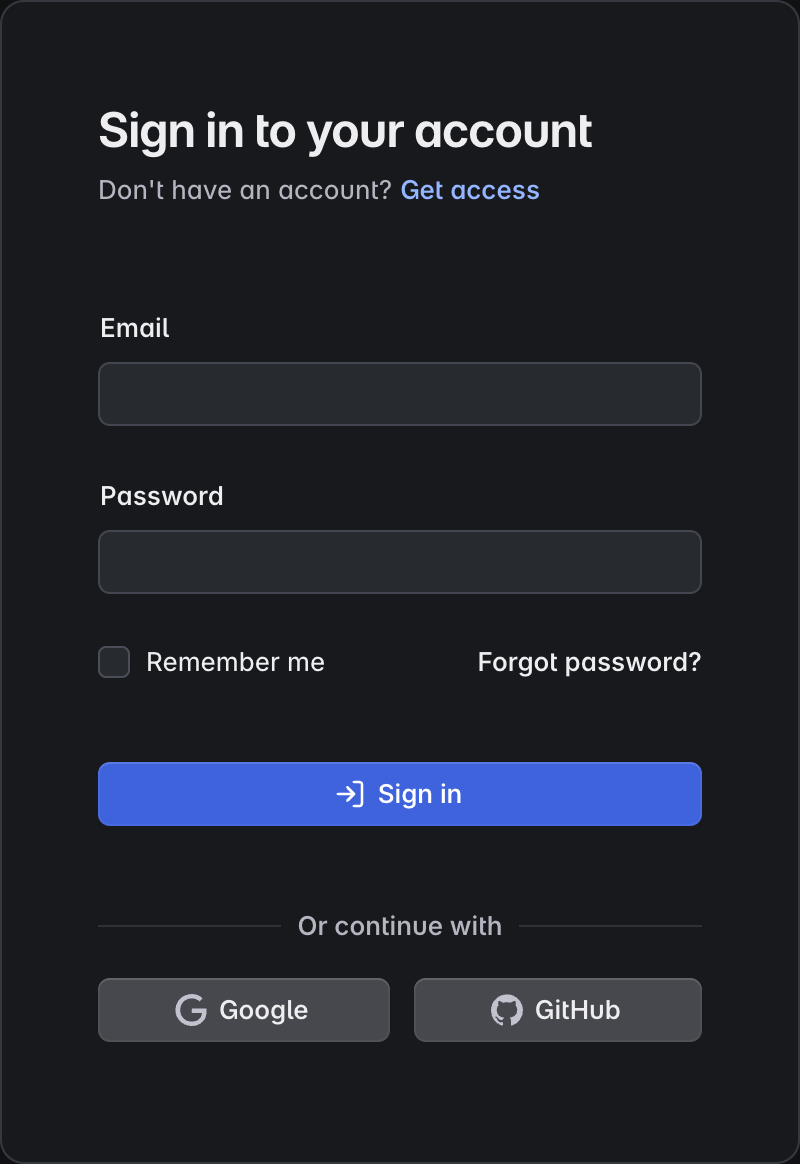
Sign-in block example
Team management block example
Upgrade plan block example

Full templates for real applications

Complete Angular application templates with layout, structure, real UI patterns, and SSR out of the box. Start with a solid foundation and focus on building features instead of setup.
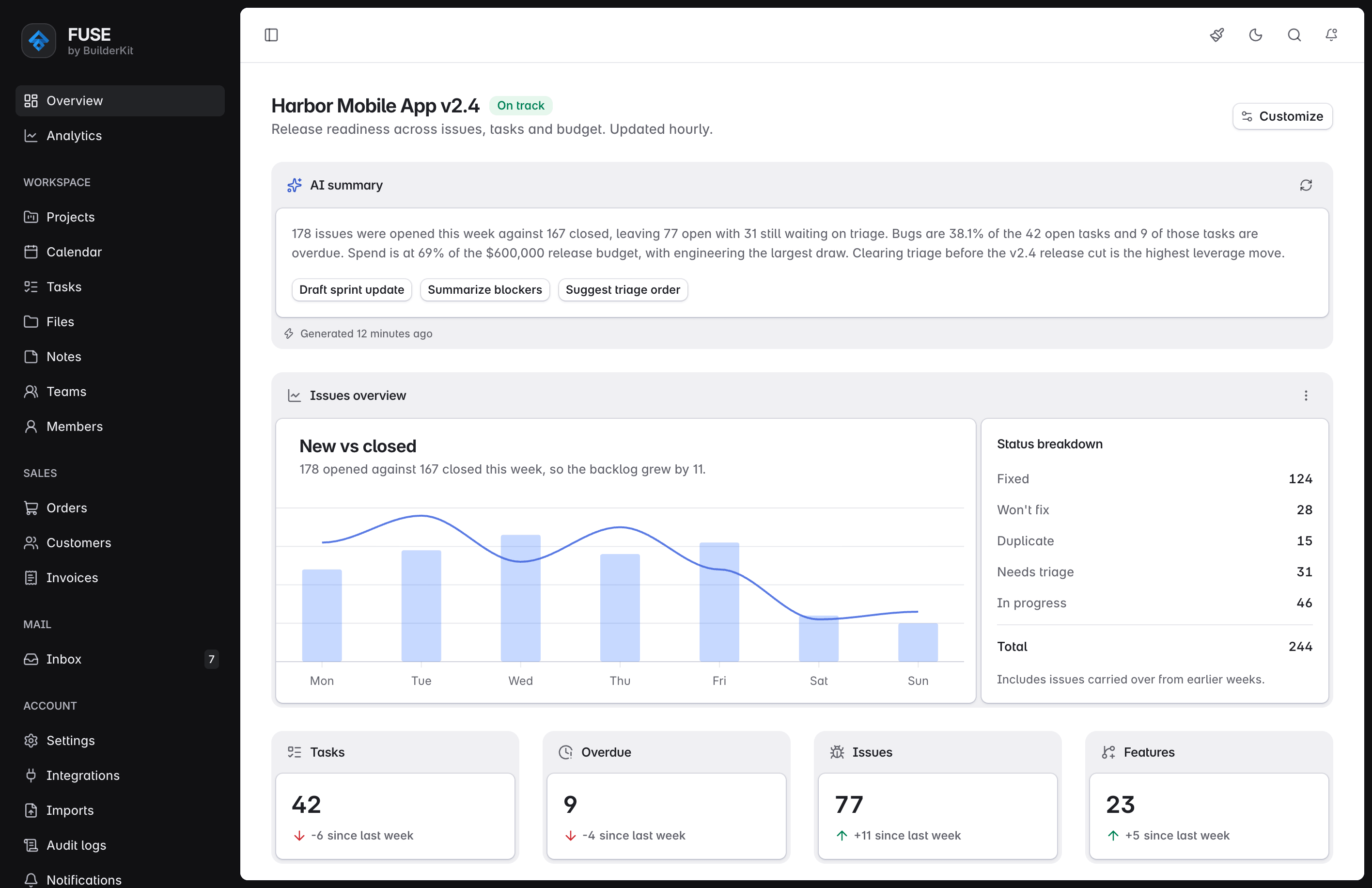
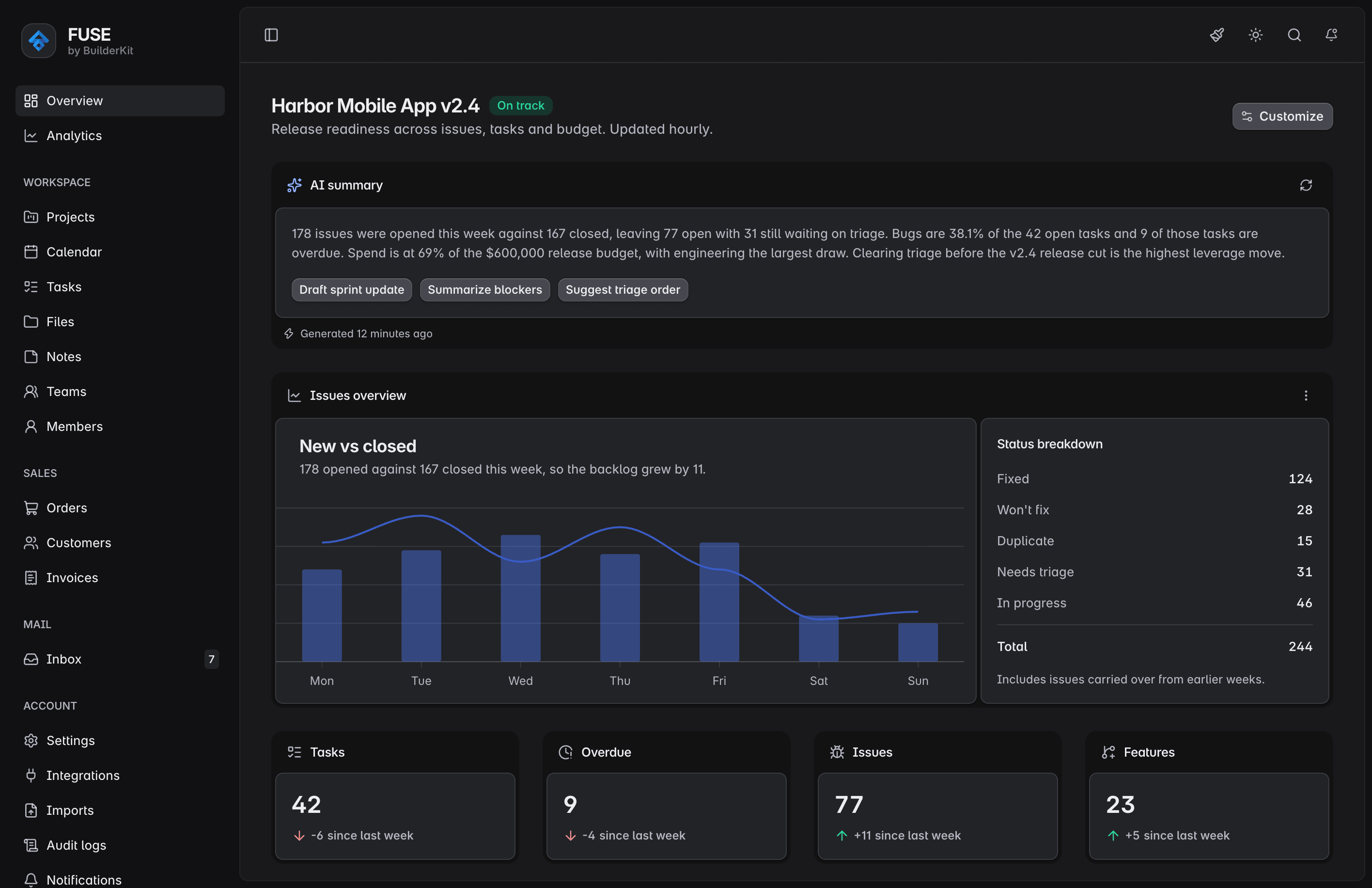
Fuse template
Fuse
Complete admin dashboard template with dashboards, tables, projects, inbox and settings. Built for real products.
Horizon template
Horizon
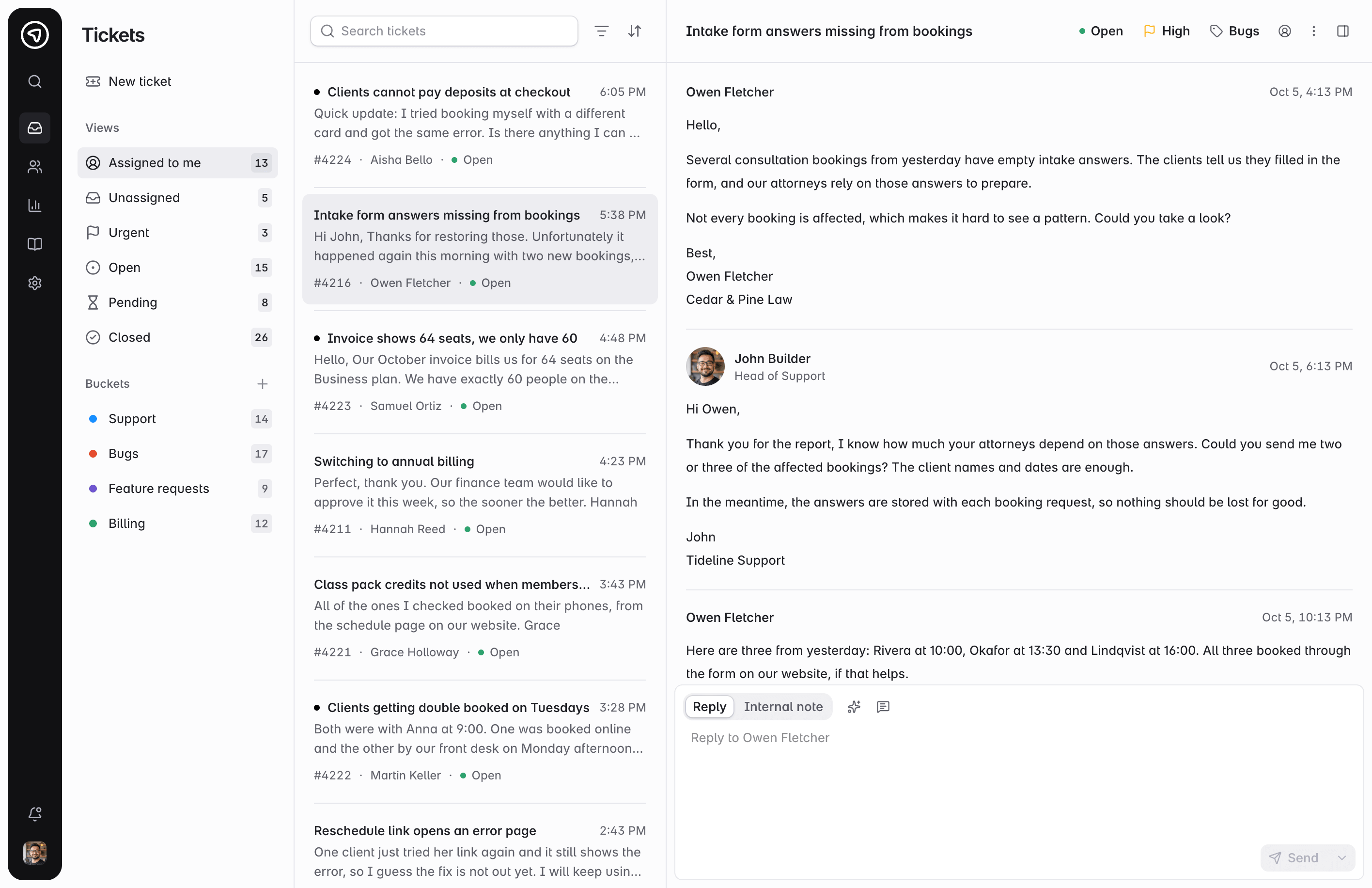
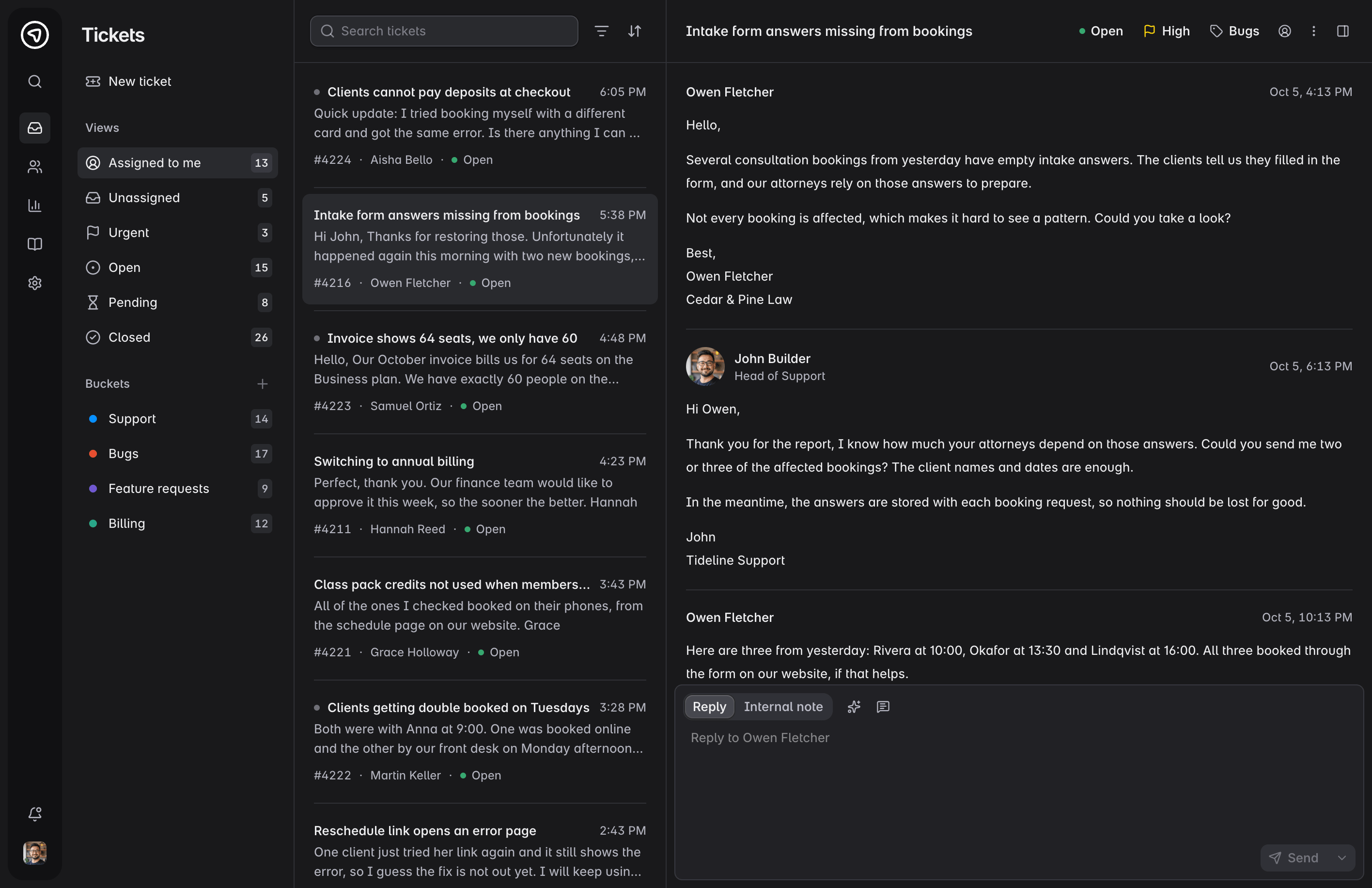
Help desk template with ticket queue, conversations, customers, reports and help center. Built for support teams.
Orbit template
Orbit
Landing and marketing template with polished sections. Built for product websites and modern SaaS pages.
Spark template
Spark
Minimal starter template with structure, theming, and core setup. Build your application from a clean foundation.

Designed for serious applications

Built for real-world Angular apps with scalable structure, modern patterns, and long-term maintainability. Everything is designed to hold up as your application grows.

What Angular developers say about BuilderKit

Teams and developers are already building real applications with BuilderKit. Here’s what some of them say.

BuilderKit is the foundation of every product we’re building. Updates have been painless, and the architecture keeps our code clean and decoupled.

Photo of Mariano Santoro

Mariano Santoro

Founder at Wolfware

BuilderKit gave us a rock-solid base and a modern UI, and saved us countless hours without a single major refactor.

Photo of Mustafa Helvaci

Mustafa Helvaci

Founder at FDK

BuilderKit saves years of experience by giving you a ready-to-use design system.

Photo of mbirali

mbirali

Founder at Aioneprod

A modern UI toolkit built on Angular Material that lets me focus on building instead of tweaking styles. It’s also very easy to integrate into existing projects.

Photo of kamilcglr

kamilcglr

Frequently Asked Questions

Answers to the most common questions about BuilderKit, components, blocks, templates, their usage, licensing, and support.

BuilderKit is a UI toolkit and a design system for Angular. It includes refined Angular Material styles, custom components, UI blocks, templates and example applications. Each designed to integrate seamlessly with the others.
It is a thoughtfully crafted system of tools built to streamline development and elevate the quality of Angular applications.
Yes, while the suggested use case is to use one of the templates as a starting point for new projects, BuilderKit can also be integrated into existing Angular applications. The refined Angular Material styles can be applied to upgrade the look and feel of your current components, and individual blocks or templates can be adapted for use within your app’s structure. The agent skill also handles installing BuilderKit into an existing project for you.
BuilderKit is not a static template or UI mockup. It is a complete toolkit. The entire system works together cohesively to provide a solid foundation for building real-world Angular applications.
It follows modern Angular patterns and provides a cohesive foundation that extends beyond visual design, supporting real application development from the ground up.
Mostly no. BuilderKit doesn't include any custom primitive Angular components. Instead, it provides refined styles for the standard Angular Material components. These styles enhance the appearance of the existing components you already use, giving them a more modern and polished design without requiring any changes to the components themselves.
The Advanced Components are the exception. They are custom Angular directives created specifically for BuilderKit, some written entirely from scratch and others built on top of Angular CDK and Angular Aria. They provide real UI patterns such as sidebars, collapsible content and structured navigation that do not exist in Angular Material.
A skill is a set of instructions and metadata that an AI coding agent reads before it starts building with BuilderKit. It covers the design guidelines, the documentation for every block, and the templates as reference, so the agent builds with the system instead of guessing at it.
Any agent that supports the skills format works, and the popular AI coding tools support it. The skill is plain instructions and metadata, so nothing in it is tied to a specific tool.
No, agents are not deterministic. The model you use, its reasoning level, and even the same prompt run twice can produce different results.
What the skill does is ground your agent in BuilderKit’s rules, block documentation and reference templates, so the output lands in the system. It does not make the output identical.
Lifetime access means that with a single purchase, you receive ongoing access to BuilderKit, including all components, blocks, and templates. All future updates, improvements, and new features are included at no additional cost. Your GitHub repository access remains active indefinitely, so you can always pull the latest version as BuilderKit continues to grow.
Yes, BuilderKit can be used to build applications for clients or freelance projects. As long as you hold a valid license, you are free to use it across commercial work, including SaaS products, internal tools, and client deliverables. Each developer using BuilderKit must have their own license, unless covered by a team license.

Start building modern Angular apps

With BuilderKit, you have everything you need to create polished, scalable Angular applications with better structure and faster development.