
BLOCKS
Drop-in Angular UI blocks for building real interfaces faster
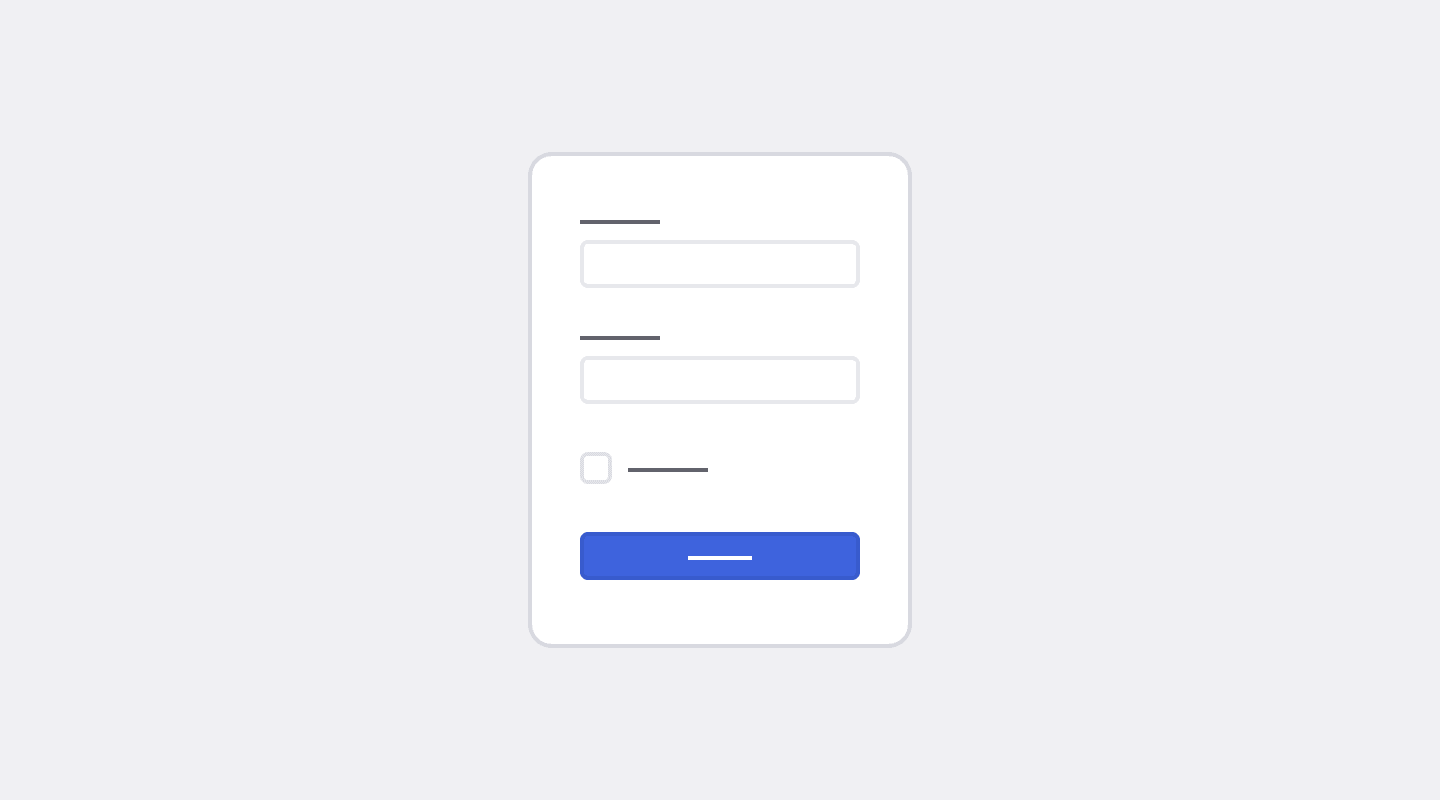
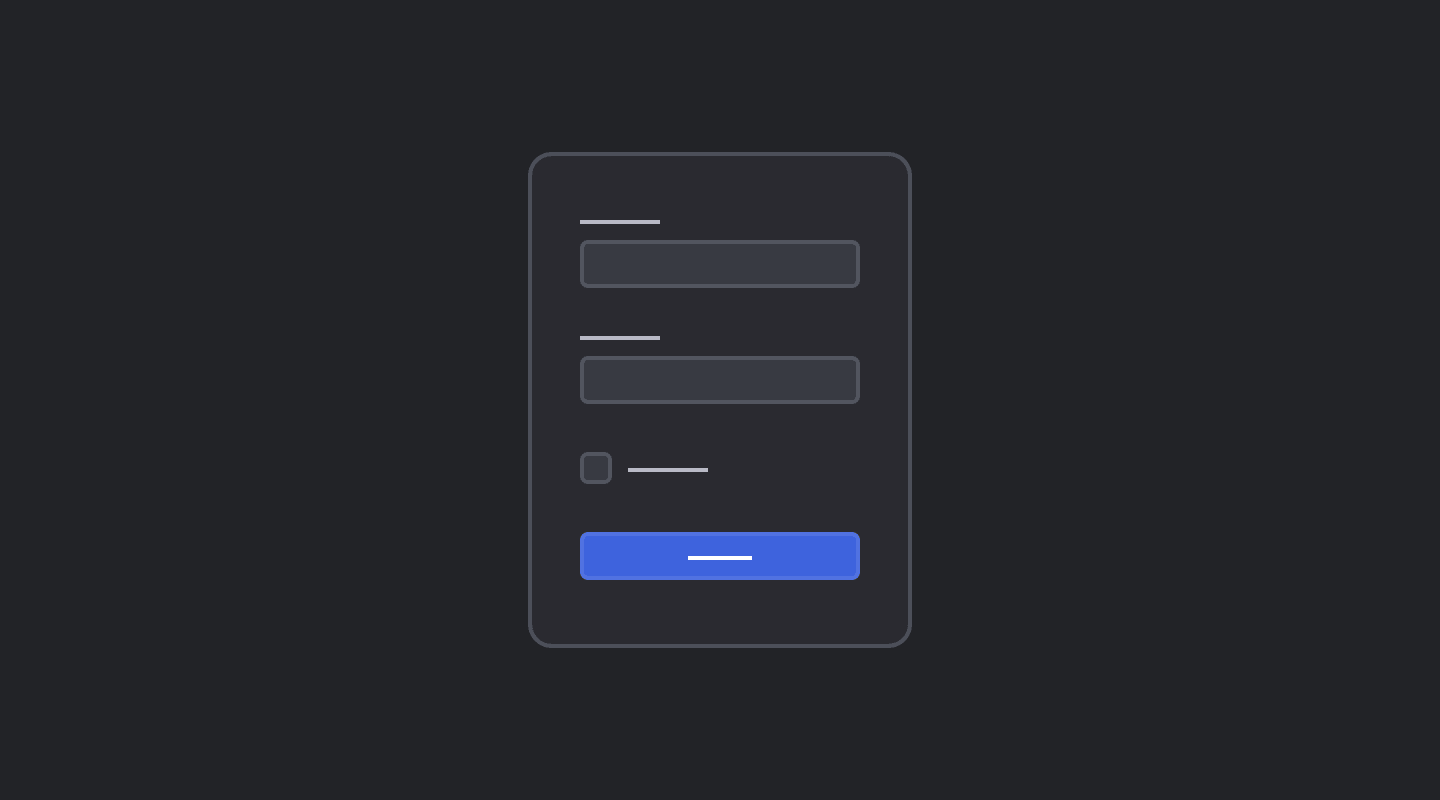
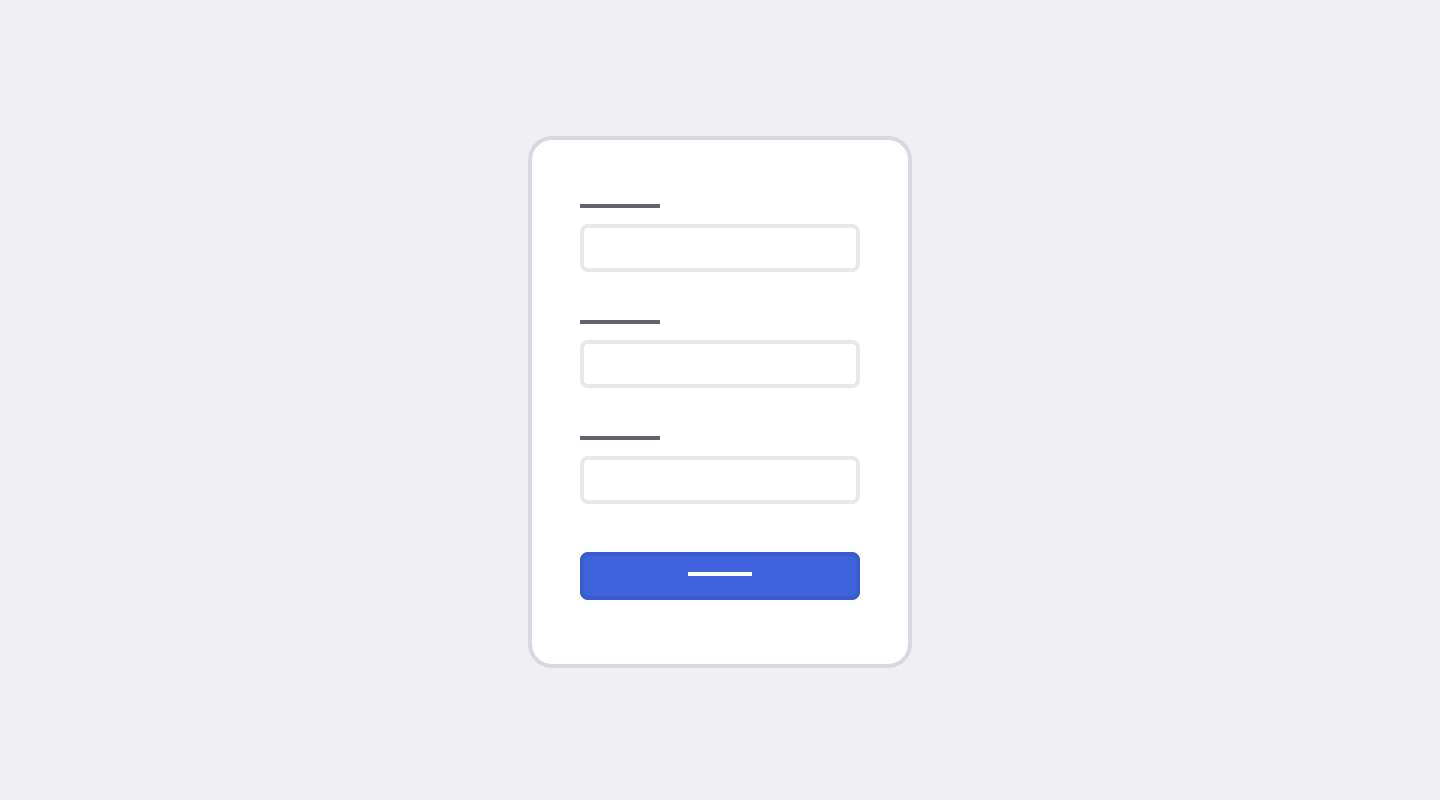
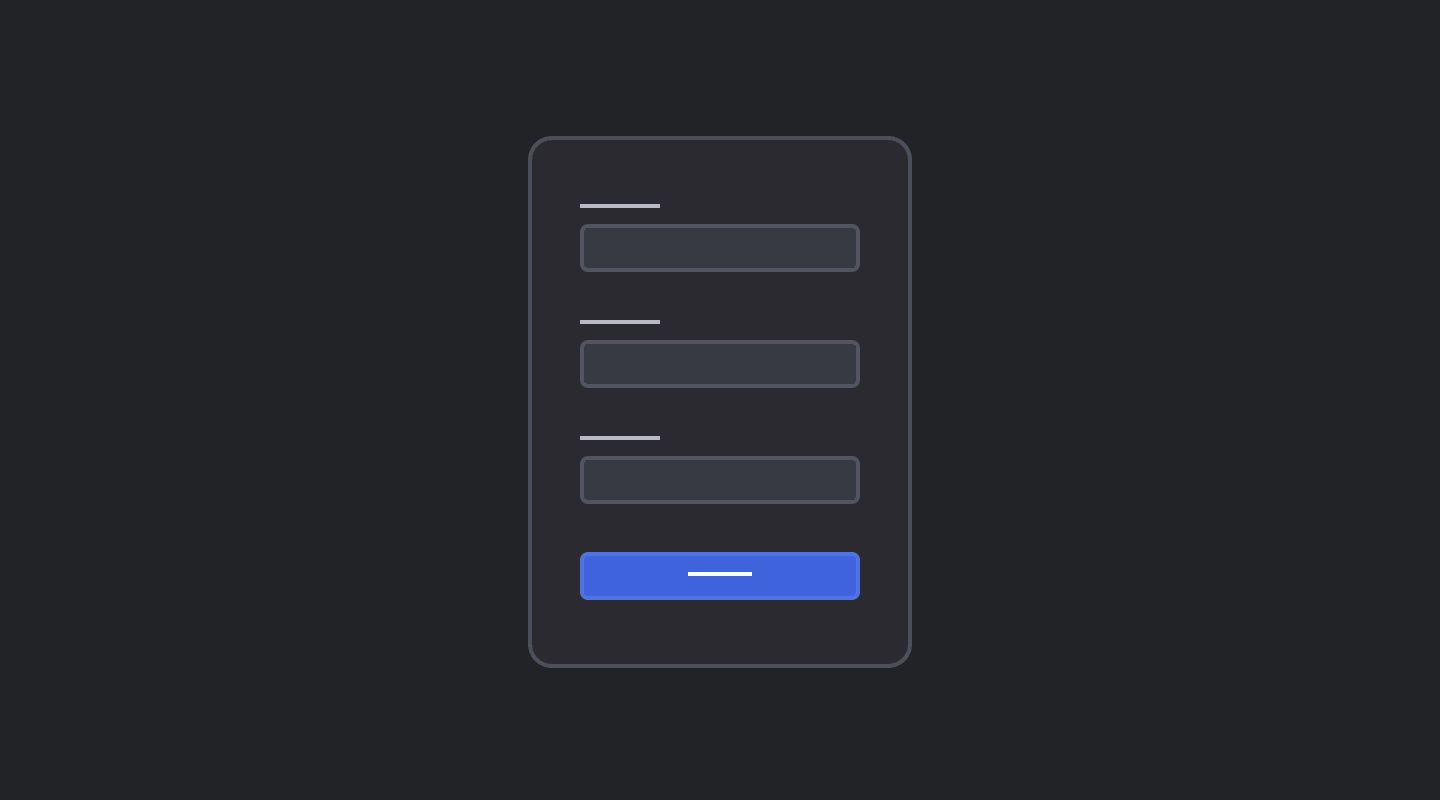
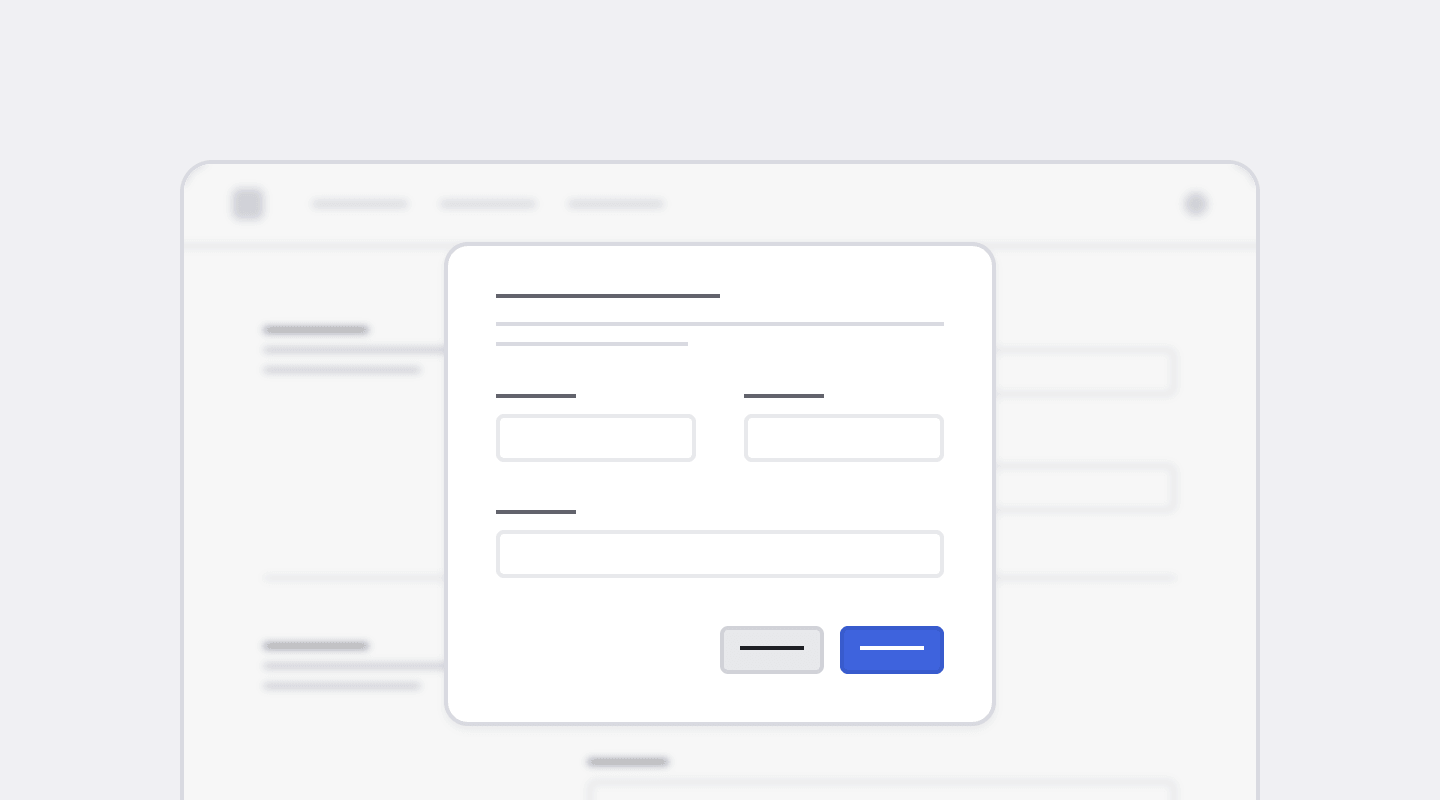
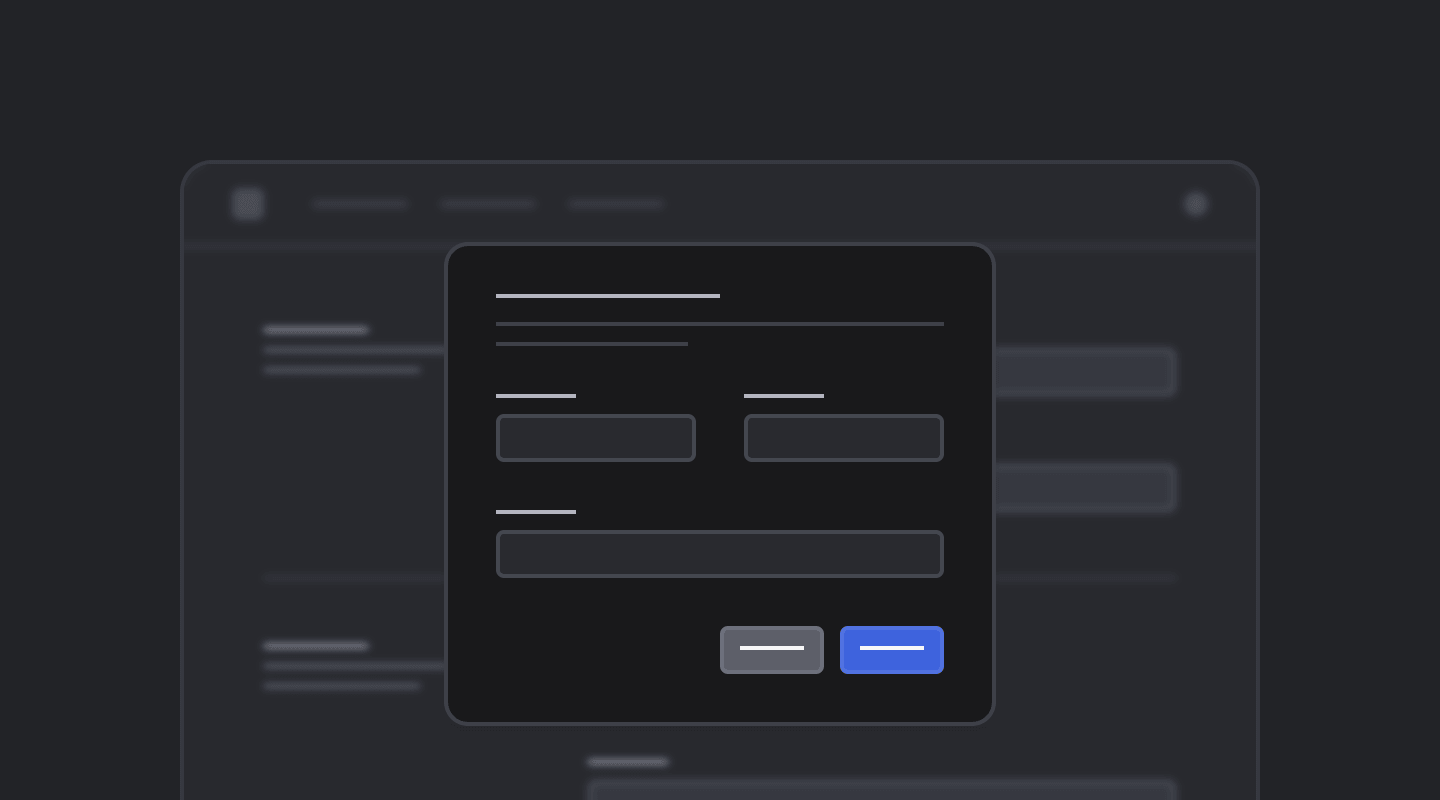
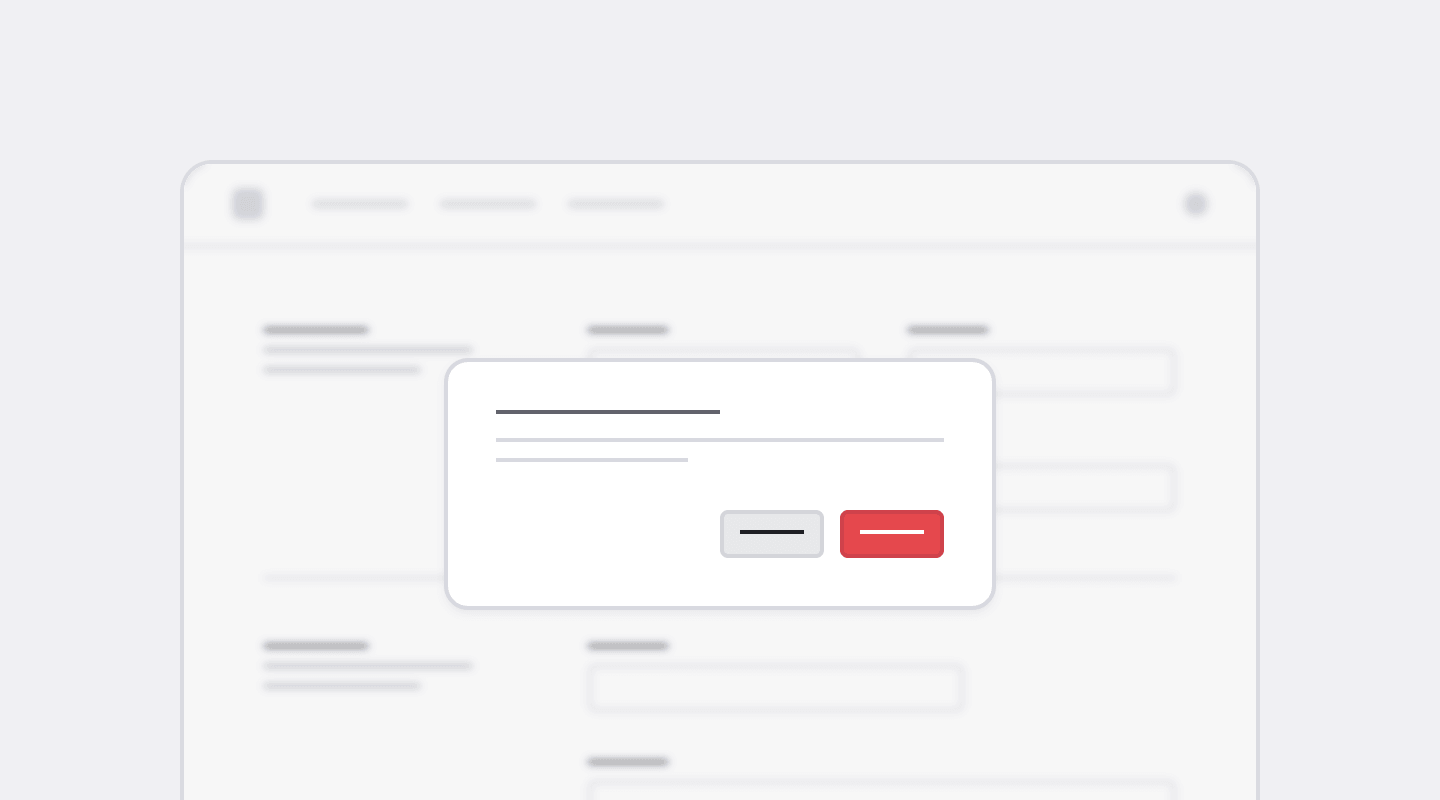
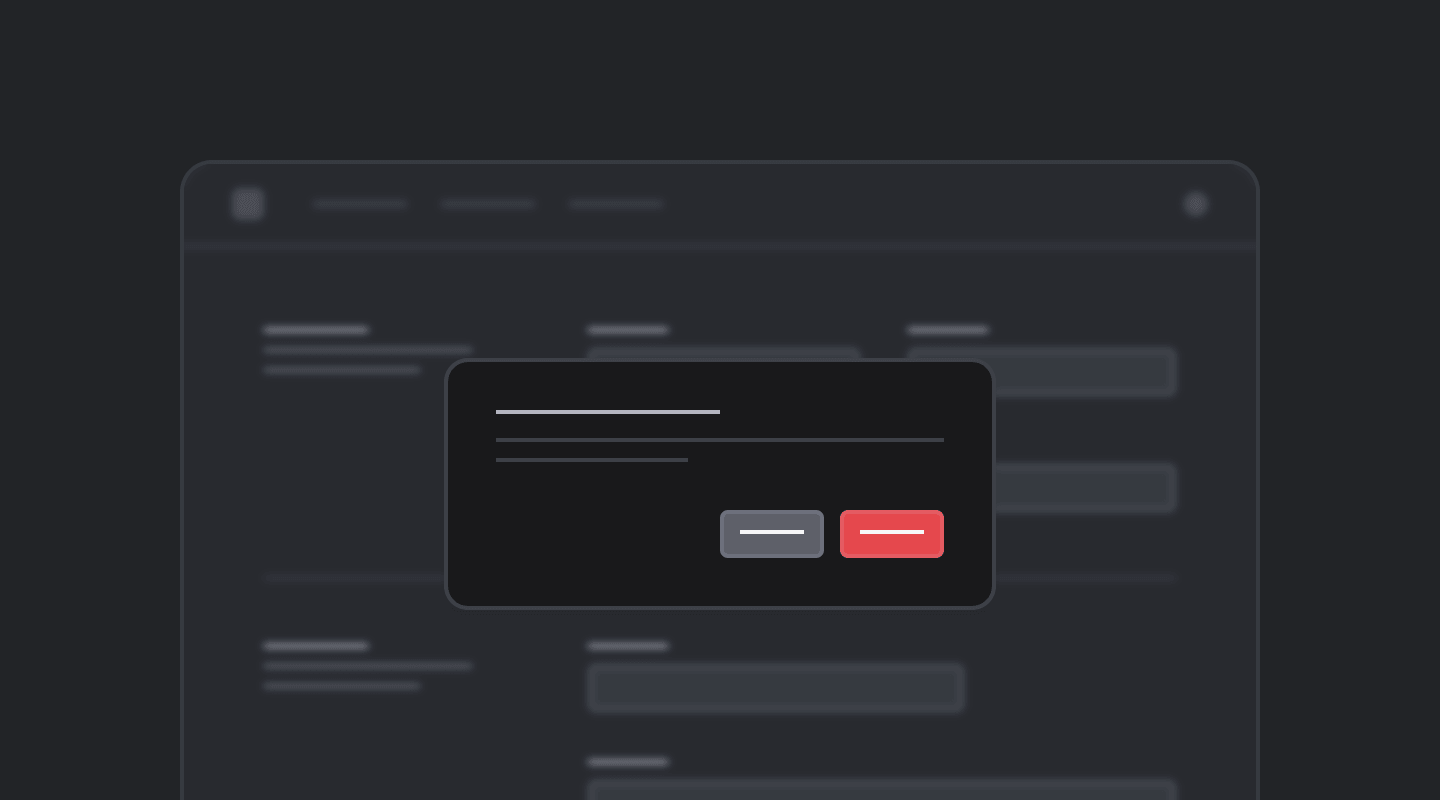
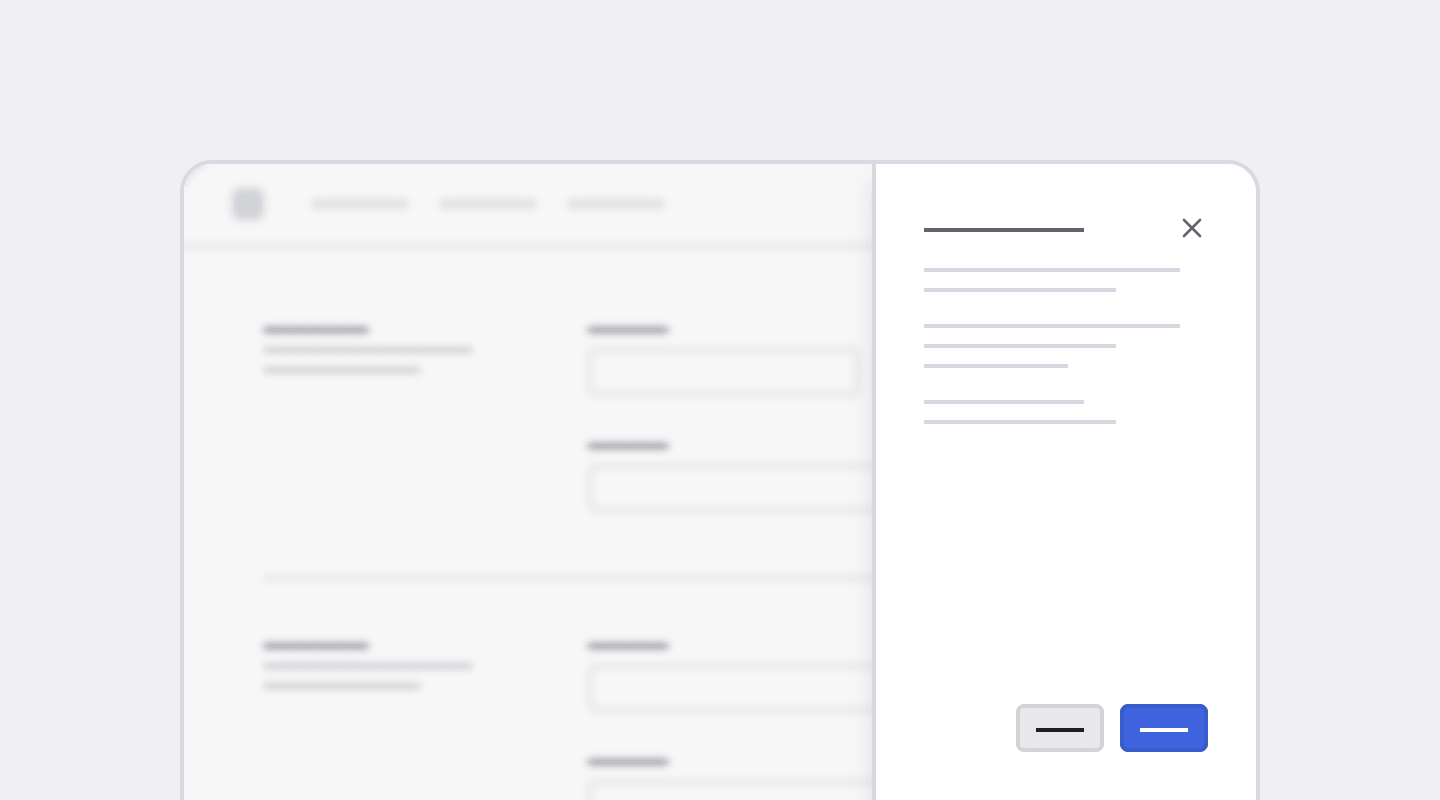
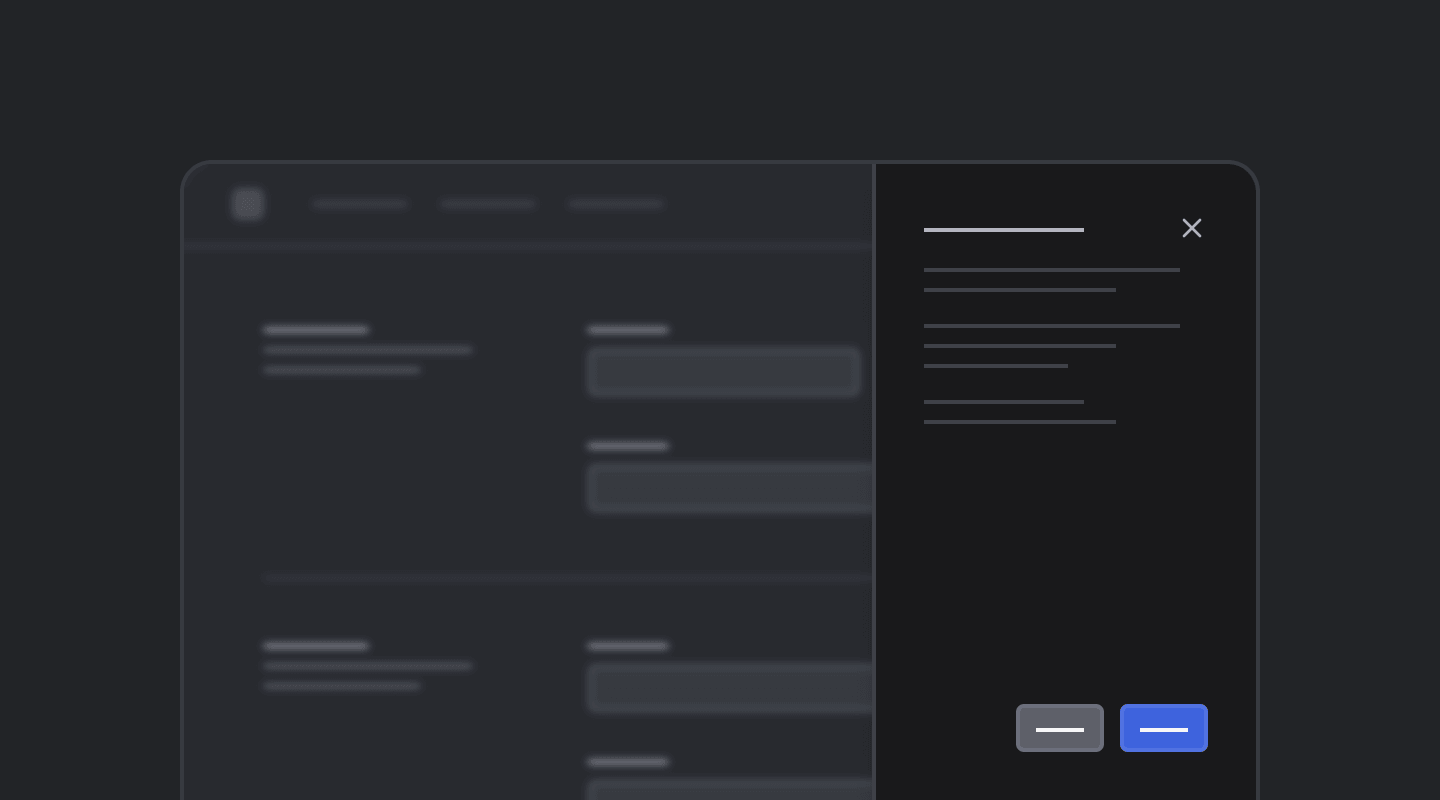
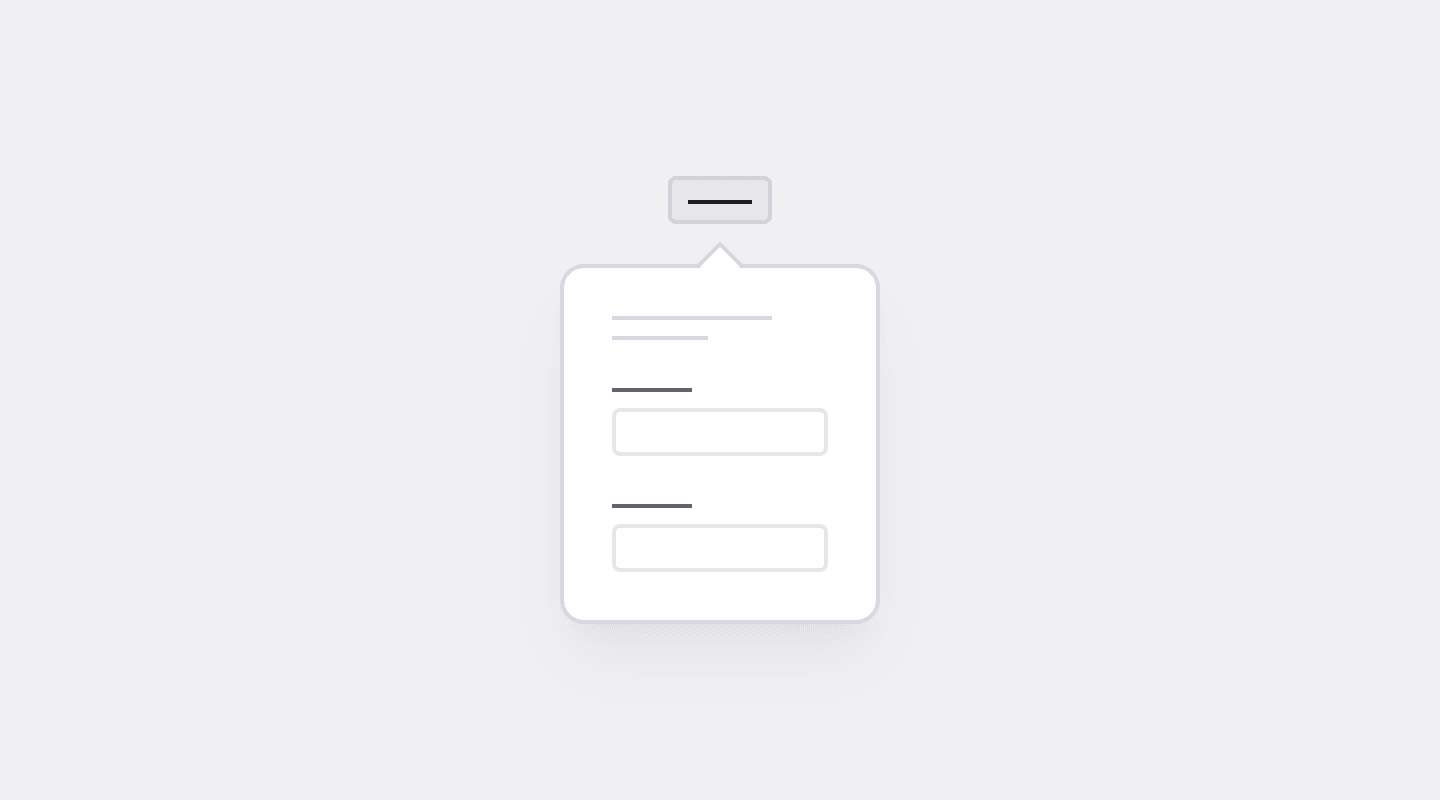
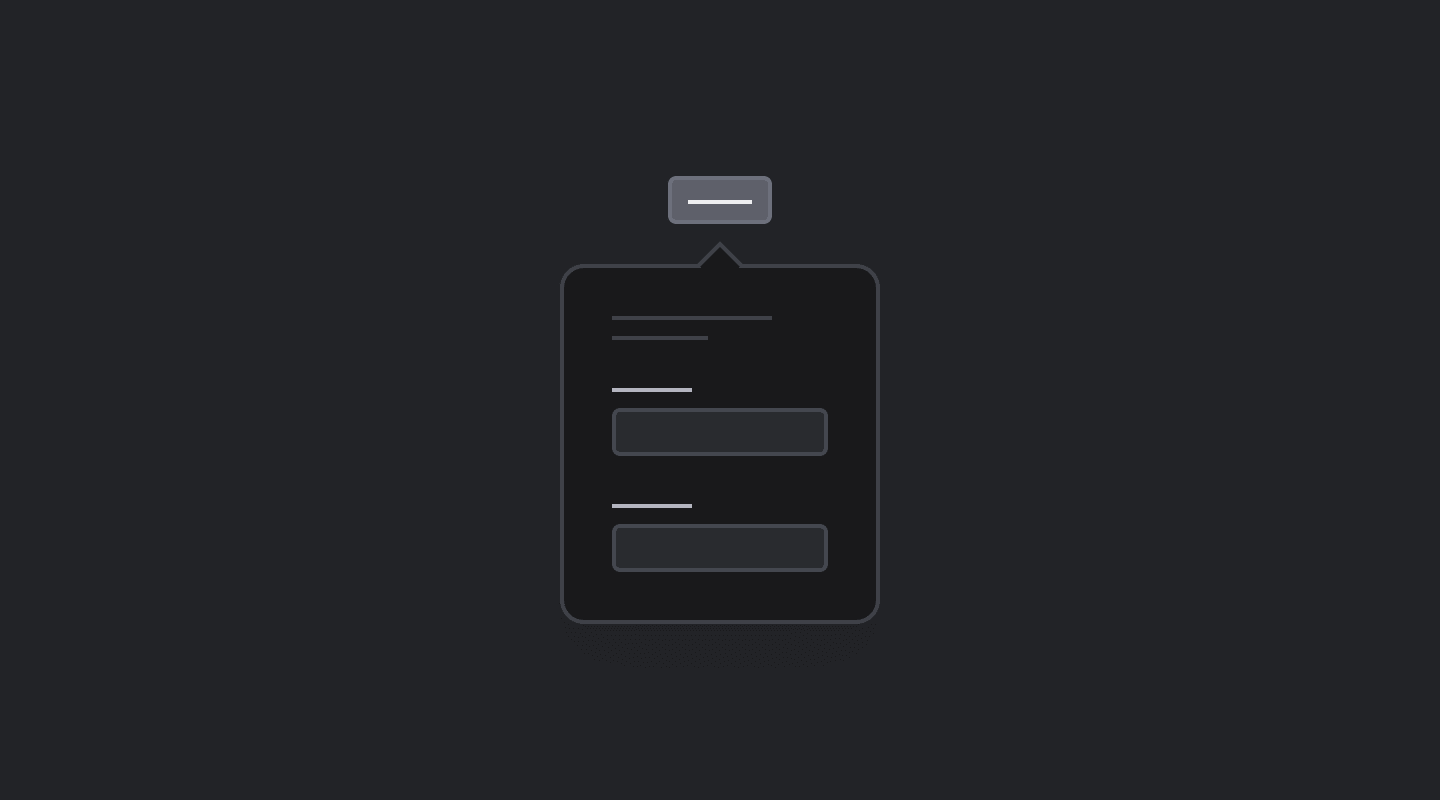
133 pre-built, modular UI blocks across 27 categories, all as Angular components. Copy, paste, and customize layouts for forms, dashboards, and real application pages.
Layout
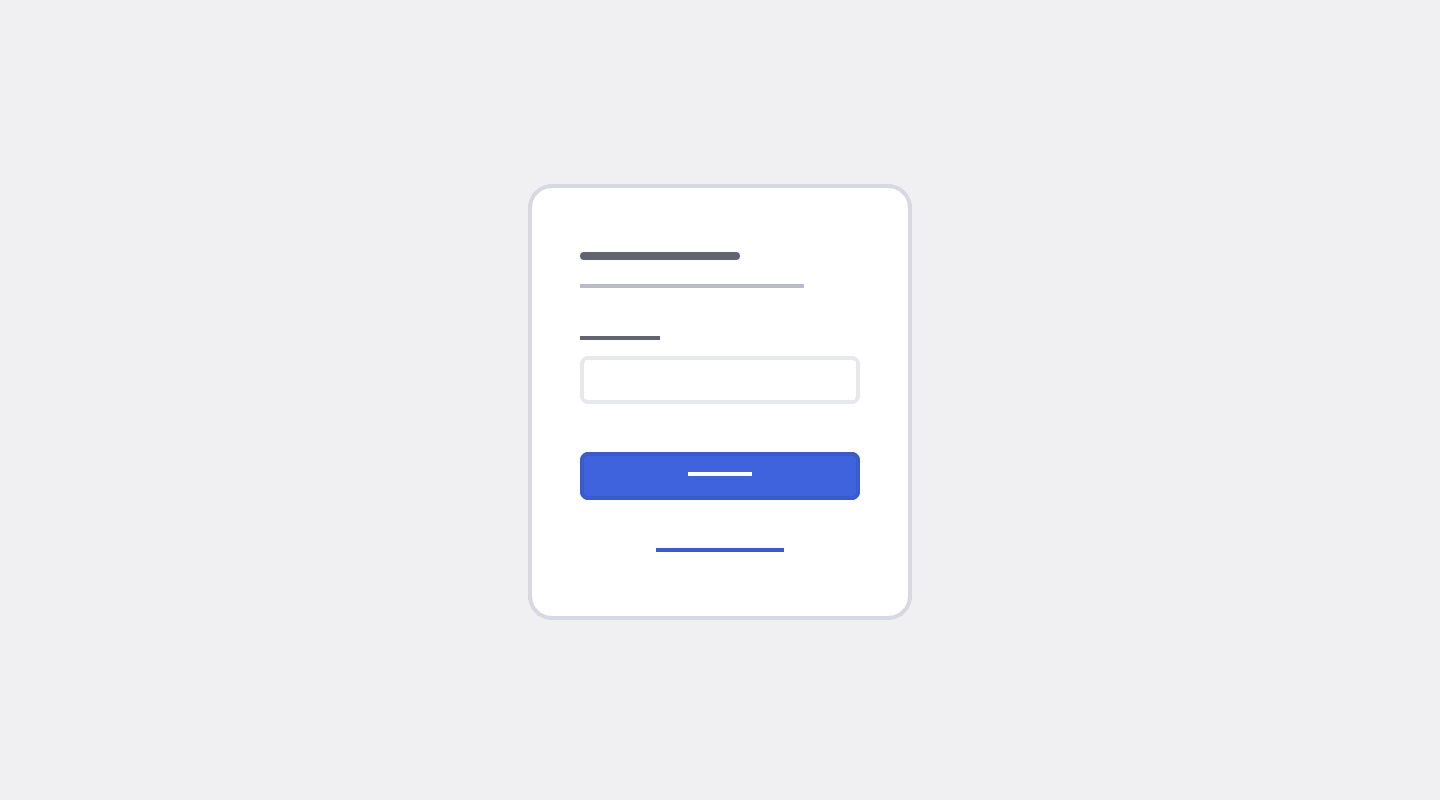
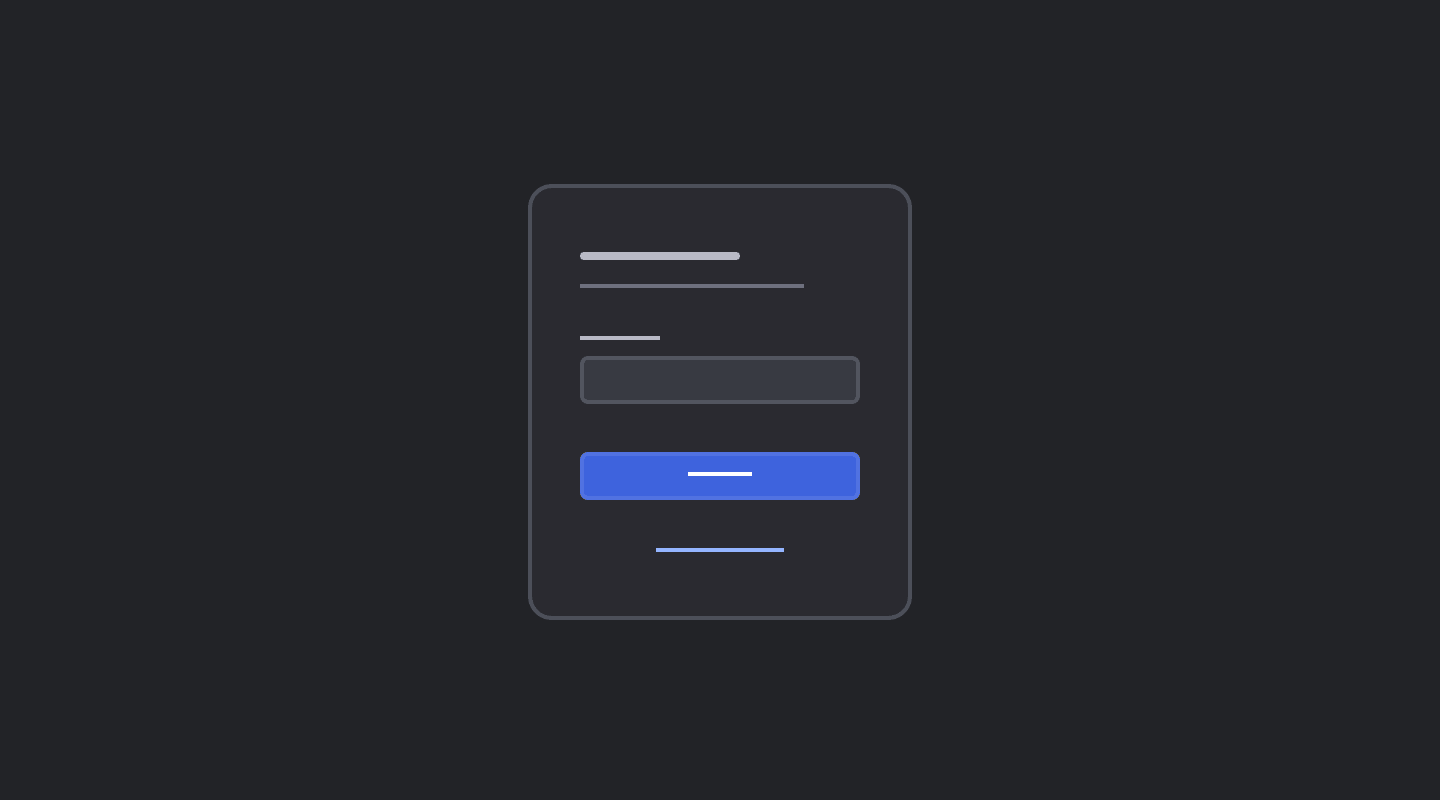
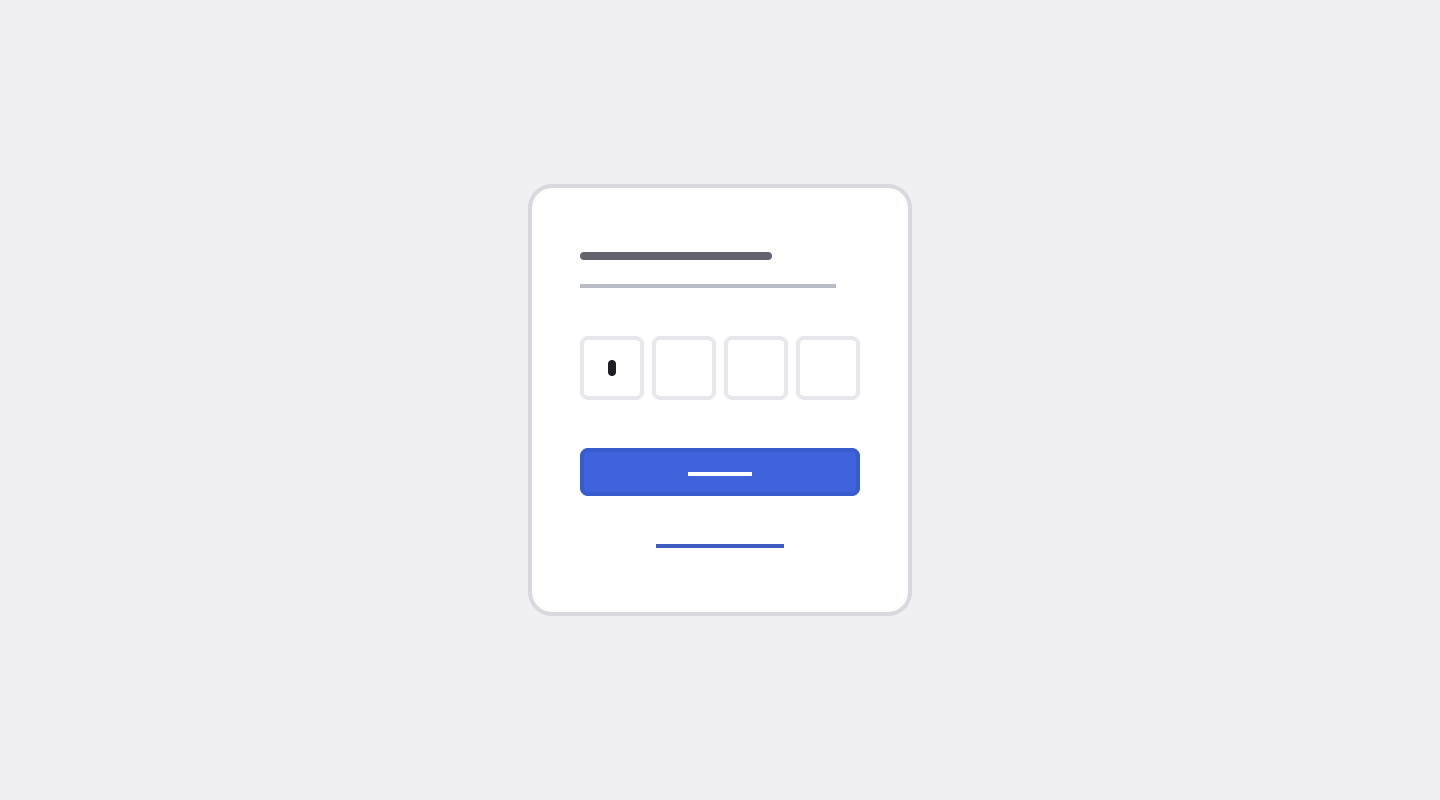
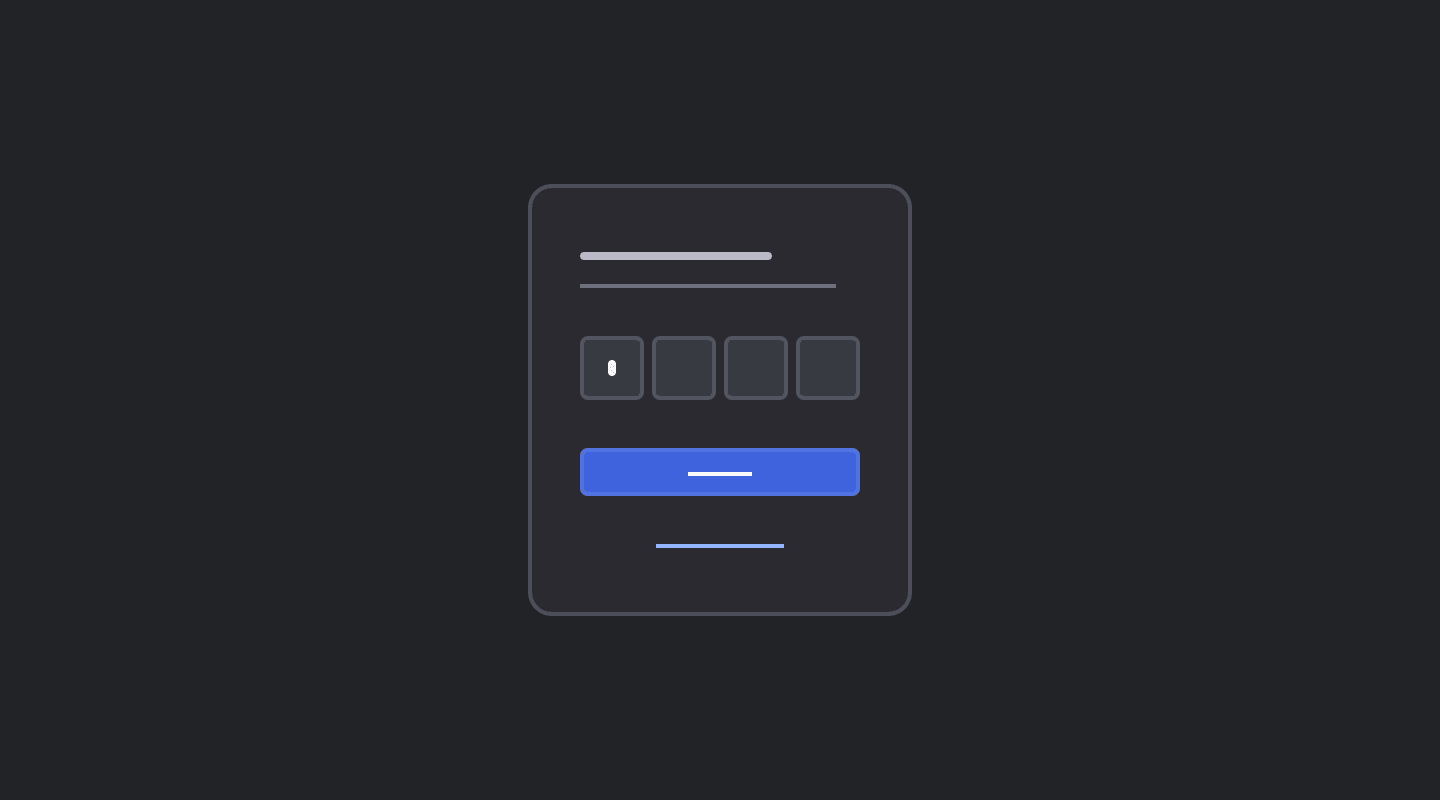
Authentication
Overlays
Data display
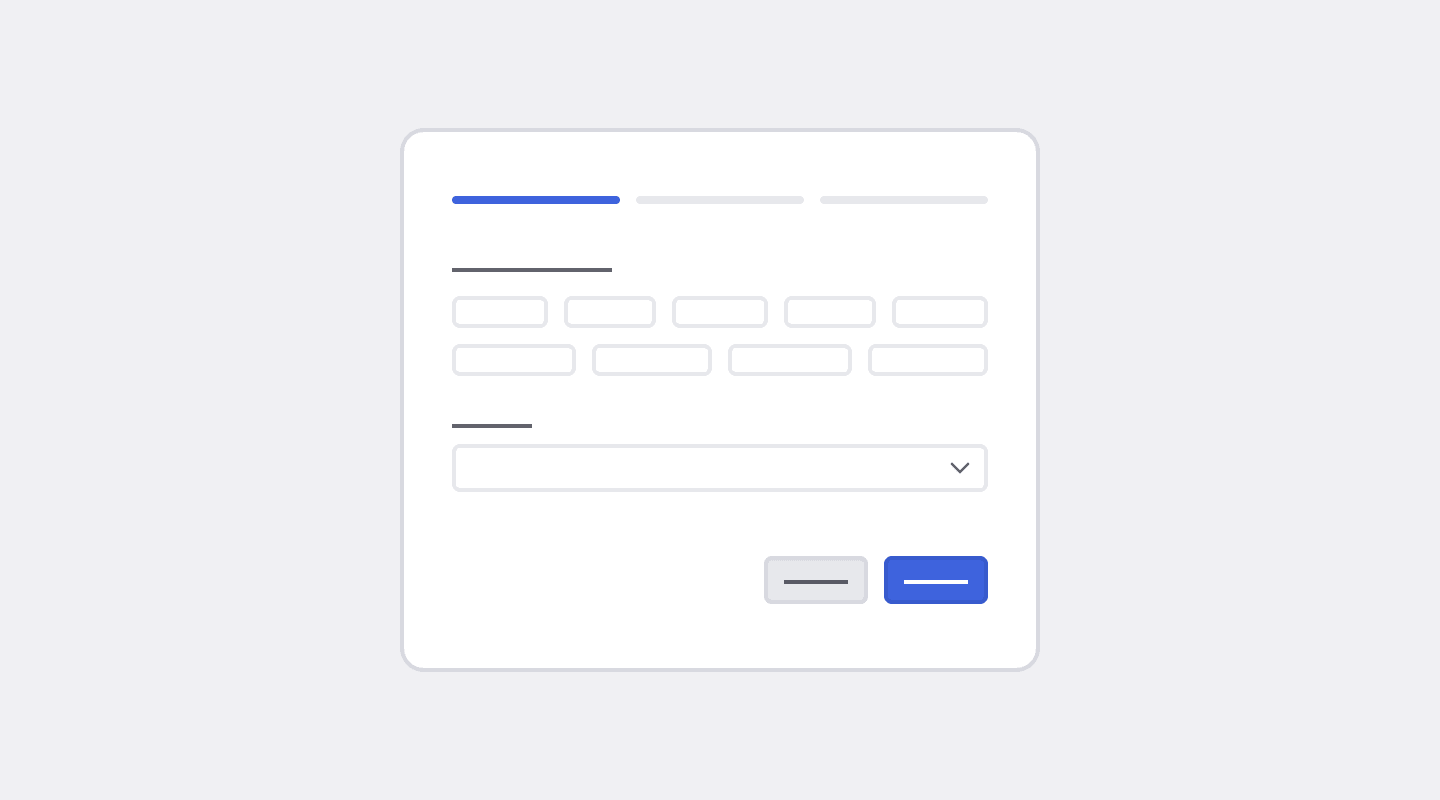
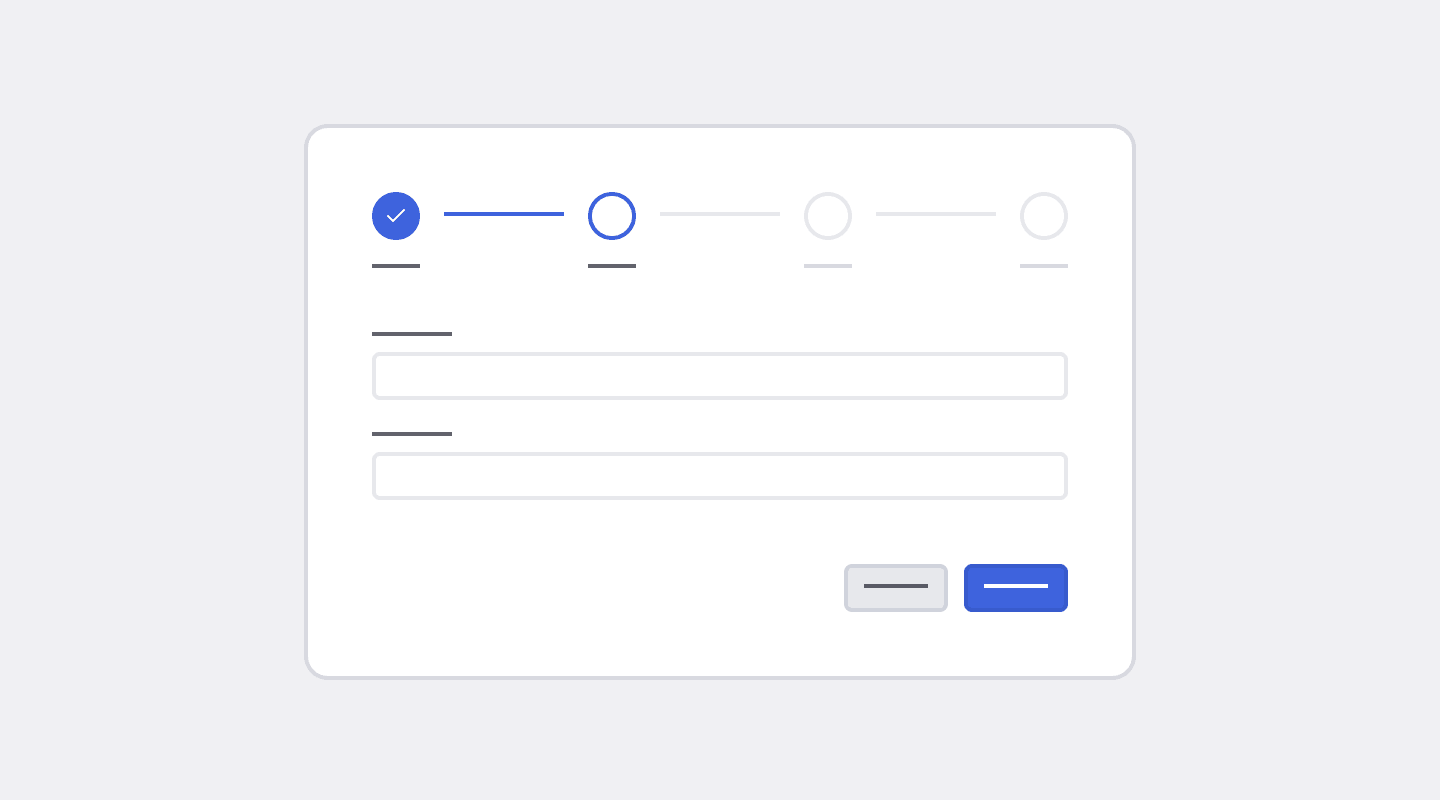
Forms & flows
Frequently Asked Questions
Answers to the most common questions about blocks, how they fit into your app, and what to expect from the demos.
Can BuilderKit be used in an existing Angular app?
Yes, while the suggested use case is to use one of the templates as a starting point for new projects, BuilderKit can also be integrated into existing Angular applications. The refined Angular Material styles can be applied to upgrade the look and feel of your current components, and individual blocks or templates can be adapted for use within your app’s structure. The agent skill also handles installing BuilderKit into an existing project for you.
What are blocks?
Blocks are pre-built, reusable UI sections that can be combined to create complete pages. They are designed to be flexible and adaptable, allowing you to mix and match different blocks to build the layout and structure of your application quickly.
Blocks are provided as standalone, single-file Angular components. You can copy the code for a block directly from the BuilderKit website, paste it into your project, and customize it using standard Angular practices.
Will I get the same results as the demos?
No, agents are not deterministic. The model you use, its reasoning level, and even the same prompt run twice can produce different results.
What the skill does is ground your agent in BuilderKit’s rules, block documentation and reference templates, so the output lands in the system. It does not make the output identical.