SPECIAL PRICING
BLACK FRIDAY SALE
PERSONAL $99
TEAM $349
ENDS DEC 1
GET IT NOW
FUSE ANGULAR

From Fuse Angular to BuilderKit

Fuse Angular and BuilderKit come from the same author. Everything learned from maintaining Fuse Angular went into BuilderKit, and the new Fuse is rebuilt on it from scratch.

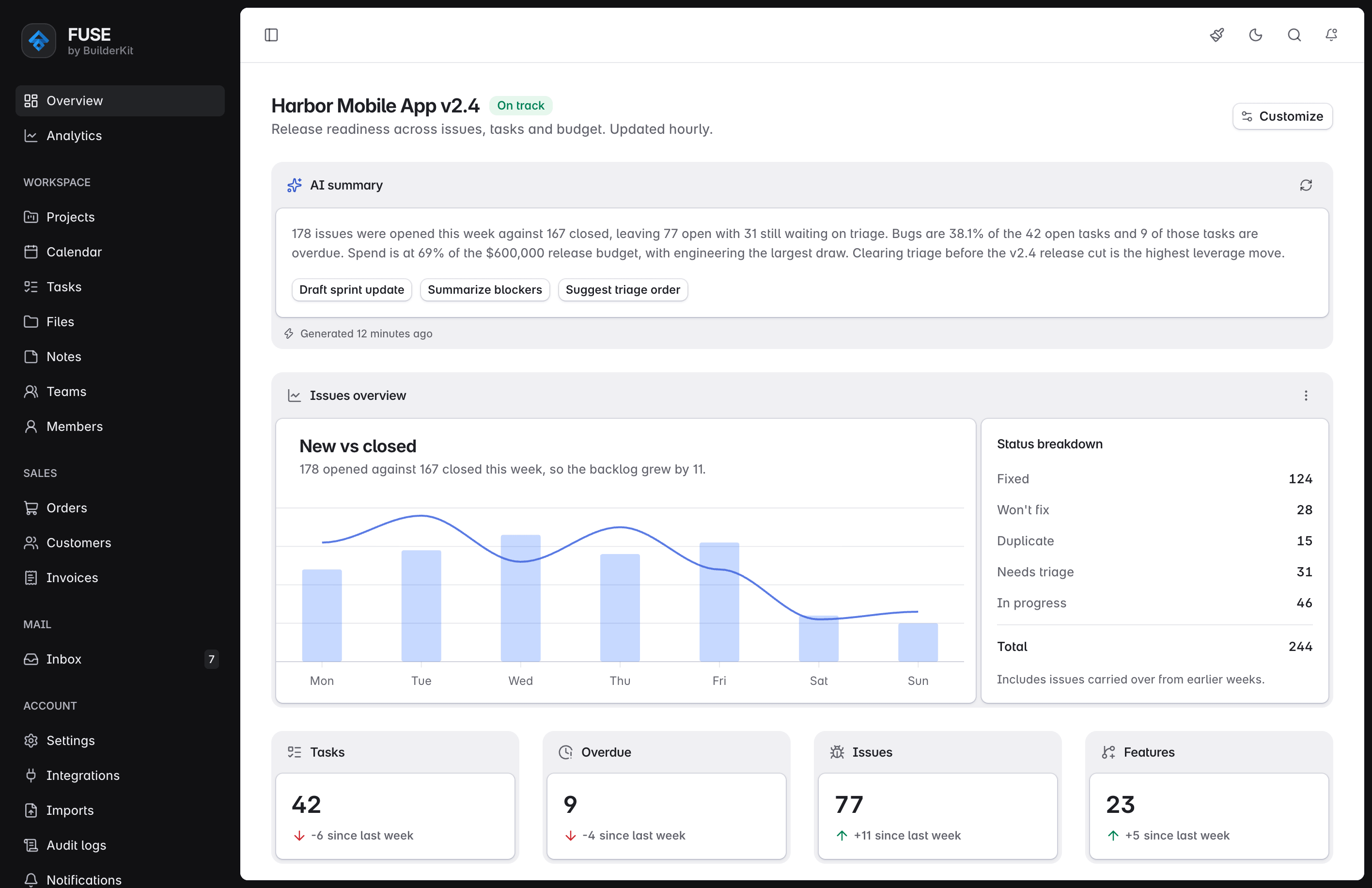
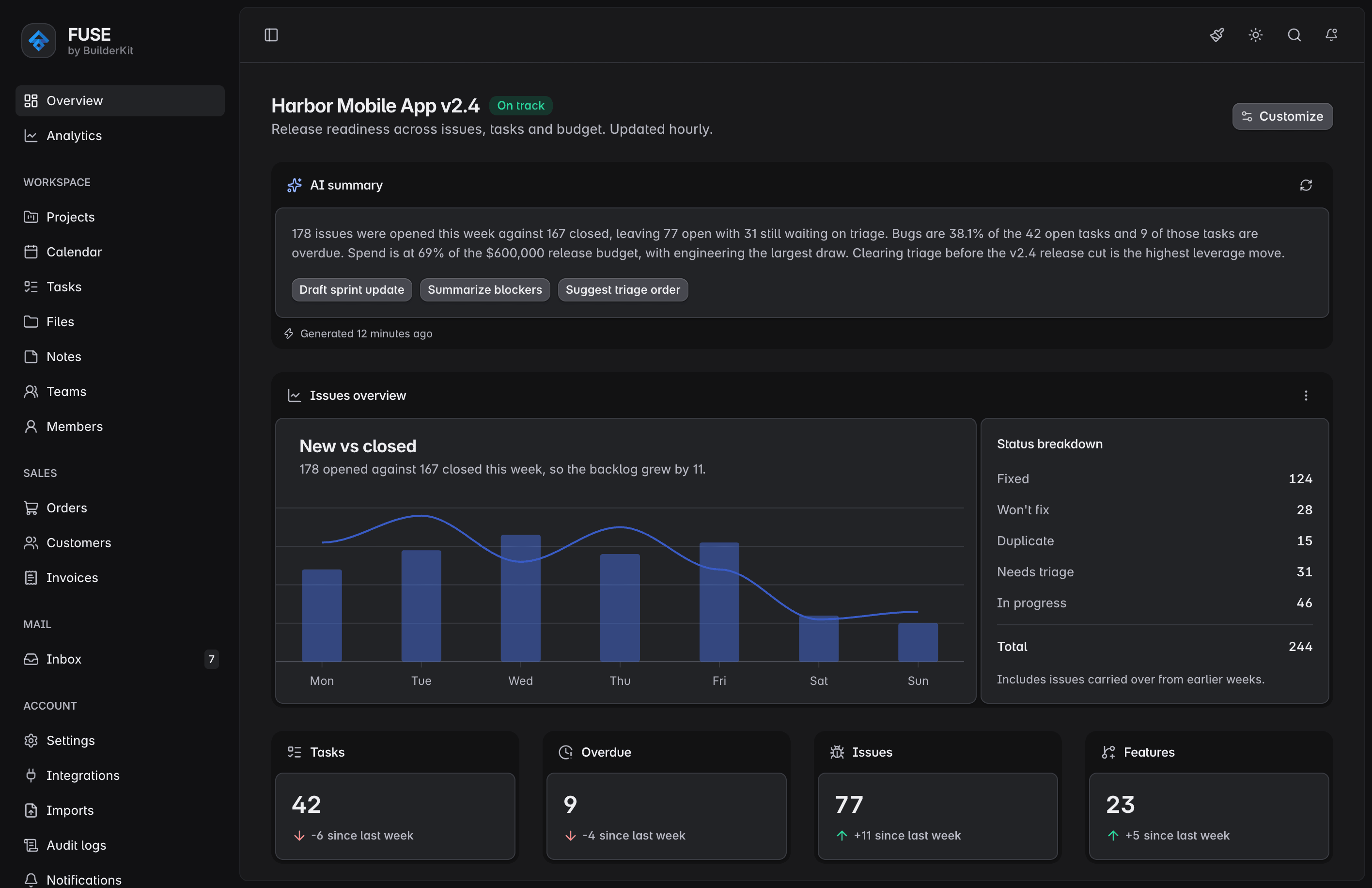
Fuse admin dashboard built on BuilderKit

From a template to a system

Fuse Angular is a long-running admin template built on Angular Material. It gave teams layouts, navigation, authentication flows and common admin pages out of the box.

It also showed the limits of a template. An Angular Material theme is a layer of overrides that depends on internals that change as Material evolves, and a template is a single product: its patterns stay inside one app, and the next app starts over.

So the foundation was rebuilt from scratch. BuilderKit is an Angular Material theme that restyles every component with plain CSS. It ships as source in your project, and the same foundation powers the components, the blocks and every template.

Fuse is the successor to Fuse Angular, rebuilt on that foundation with the same admin scope. It is BuilderKit's flagship template and its design authority: the blocks are drawn from its pages.

Coming from Fuse Angular

Still Angular Material

The admin you know is still here, and it is still Angular Material underneath.

A new codebase, not an upgrade

The design belongs to your project, and you edit styles in place instead of overriding them.

The same system next time

The next app you build starts from the same components, blocks and templates instead of from scratch.

Frequently Asked Questions

Answers to the most common questions from Fuse Angular users about the new Fuse, the templates, and what the license covers.

Yes, while the suggested use case is to use one of the templates as a starting point for new projects, BuilderKit can also be integrated into existing Angular applications. The refined Angular Material styles can be applied to upgrade the look and feel of your current components, and individual blocks or templates can be adapted for use within your app’s structure. The agent skill also handles installing BuilderKit into an existing project for you.
BuilderKit is not a static template or UI mockup. It is a complete toolkit. The entire system works together cohesively to provide a solid foundation for building real-world Angular applications.
It follows modern Angular patterns and provides a cohesive foundation that extends beyond visual design, supporting real application development from the ground up.
Templates are complete application starters that include a set of pre-built pages and layouts. They provide a solid foundation for building specific types of applications, such as dashboards, admin panels, or e-commerce sites.
They do NOT come with any functionality or data integration. Instead, they focus on the frontend structure and design, allowing you to quickly get started with a well-organized codebase that you can then customize, extend, and use as the starting point for real-world, production applications.
Templates are provided as full Angular projects in the same private GitHub repository as the rest of BuilderKit. After purchasing, you can clone the repository and copy the template project into your local development environment. From there, you can run the project, explore the code, and start customizing it to build your application.
Lifetime access means that with a single purchase, you receive ongoing access to BuilderKit, including all components, blocks, and templates. All future updates, improvements, and new features are included at no additional cost. Your GitHub repository access remains active indefinitely, so you can always pull the latest version as BuilderKit continues to grow.

Fuse continues on BuilderKit

Explore the new Fuse and pick the license that fits your team.