
Introducing BuilderKit

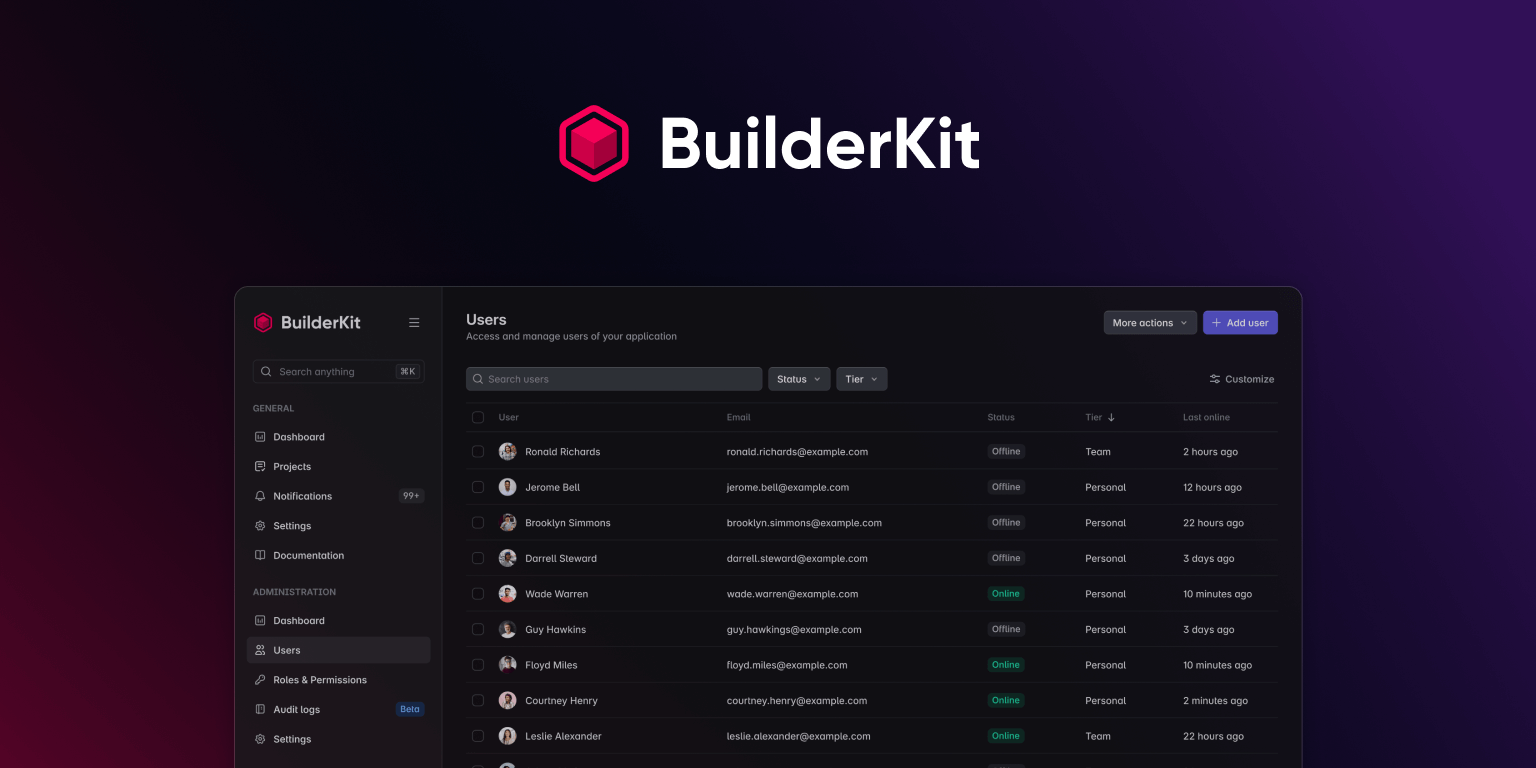
BuilderKit is here! 🎉
I’m really happy to share that one of the hardest parts of this journey is now complete. I was finally able to release the initial version of BuilderKit after months of planning and hard work.
What's BuilderKit
BuilderKit is a set of tools to help Angular developers build beautiful applications without getting in their way. It revolves around a simple Starter Kit that you can clone and start working with right away.
There’s a bit of a twist though.
Nowadays, when you hear the term Starter Kit, you’re most likely thinking of a bunch of features packed together like Team management, Subscriptions, Authentication, Authorization, and more. While these modules can be useful, they are not a good fit for every project.
What if I want to build an internal app for my company? Or something personal, like a small tool to track my freelance clients? You end up stuck with all these unnecessary features bundled together. You can’t remove one without touching the entire codebase because everything is connected.
That’s where BuilderKit’s Starter shines. It doesn’t get in your way. It’s a basic Angular application setup that uses a couple of industry-standard tools like eslint and commitlint. It also includes a few services you are likely to need anyway, like Theming and LocalStorage, and that’s about it.
No authentication system locking you into a specific approach. No subscription feature that doesn’t make sense for your use case. No team management logic for you to rip out when you’re just building something for yourself.
Why am I creating something like this and calling it a Starter Kit?
Because this is what a Starter Kit should be. You shouldn’t have to spend 8 to 12 hours cleaning out features you’ll never use from a codebase you’re not even familiar with. And I’m saying this from experience.
Back in 2015, I co-created Fuse Angular, and since 2018 I’ve been maintaining it solo. One of the biggest things Fuse taught me is that even though example features and pages are helpful, they are just that, nice to have. They are not essential, and most people spend time trying to remove them. That’s why we eventually introduced the Skeleton version of Fuse.
Because of that experience, from day one I knew I wanted BuilderKit to be a Starter Kit that doesn’t overwhelm you from the start.
A Starter Kit you can start using right away. A Starter Kit you don’t need to clean up.
What if I need all those things you say I don’t have to clean up?
That’s the idea behind BuilderKit. It’s not just a Starter Kit. It revolves around one, but it grows beyond that. There are other parts you can use to build your app faster, but they are all optional. So instead of removing features you don’t need, you add the ones you do.
Those parts are still in the works, but I have big plans to build components, blocks, templates, and real-world examples. The release of BuilderKit is not the end of the journey, it’s the beginning.
On top of that, I also have plans for more filled-out versions of the Starter Kit that I’m calling Launch Pad. These will be ready-to-go setups built on top of the base Starter Kit, with specific integrations like Supabase or a simple Express server. Think of them as launch-ready templates for common use cases, so you can get even further without doing all the wiring yourself.
The specifics of these Launch Pad versions will be determined later on, as I continue shaping them based on feedback and real-world needs.
Final words
That's about it for now. I hope you’ll like BuilderKit and find it useful. I’ve put a lot of effort into it and I’ll keep improving it. If you have any feedback, I’d love to hear it.